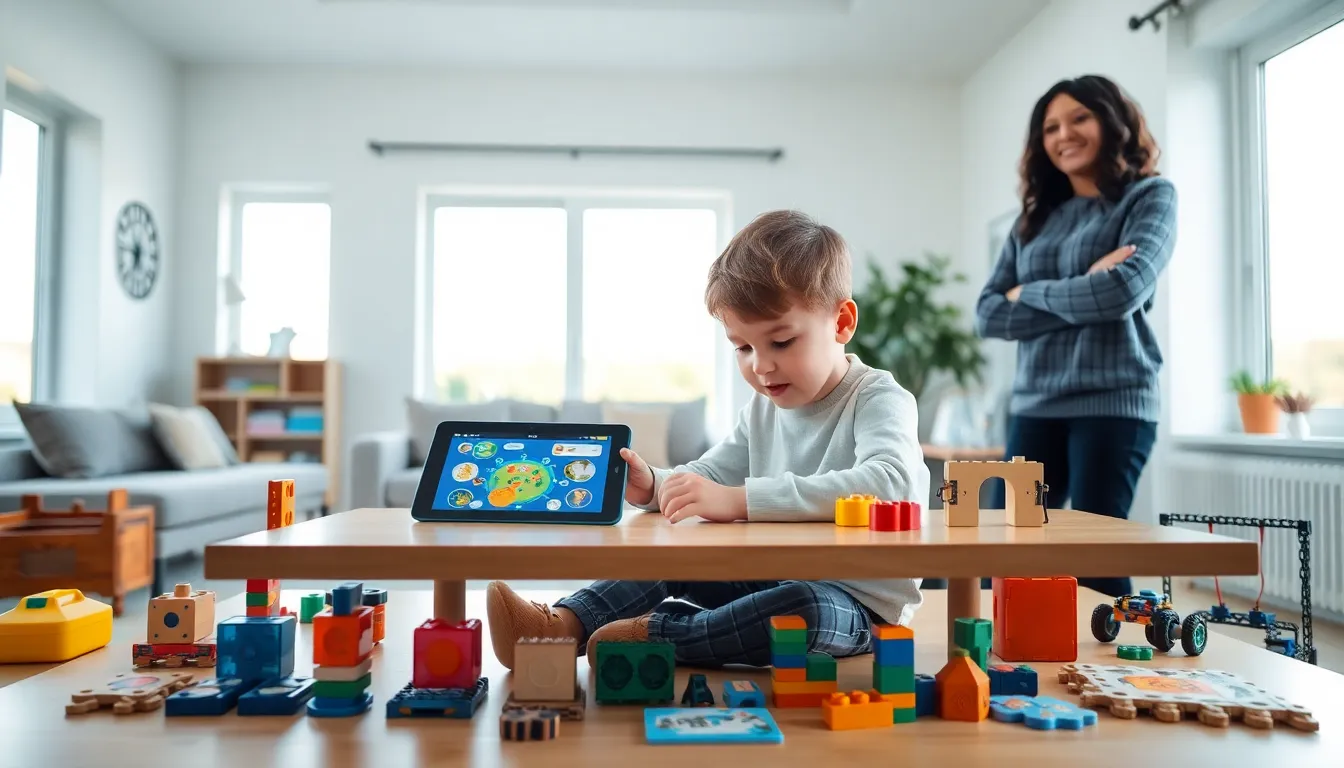
Educational apps and toys techniques have transformed how children learn, turning screen time and playtime into meaningful growth opportunities. Parents and educators now have access to thousands of digital tools and physical toys designed to build skills while keeping kids engaged. But here’s the thing, simply buying the latest app or toy isn’t enough. The real magic happens when adults apply specific techniques to maximize learning outcomes.
This guide breaks down practical strategies for selecting the right educational tools, using apps effectively, and creating hands-on learning experiences with toys. Whether a child is three or thirteen, these techniques help turn everyday play into powerful learning moments.
Table of Contents
ToggleKey Takeaways
- Effective educational apps and toys techniques require matching tools to a child’s developmental stage for maximum learning impact.
- Joint media engagement—sitting with children during app use—transforms passive screen time into interactive learning experiences.
- Toy rotation systems increase engagement by keeping only a few items accessible and swapping them every few weeks.
- Balance screen time with physical play by matching educational app time with hands-on toy or outdoor activities.
- Extend digital learning by connecting app content to real-world experiences, such as counting objects at home after practicing math.
- The best educational toys encourage open-ended play, creativity, and repeated use rather than single-purpose entertainment.
Choosing Age-Appropriate Educational Tools
The first step in applying educational apps and toys techniques effectively is selecting tools that match a child’s developmental stage. A four-year-old won’t benefit from a coding app designed for ten-year-olds, no matter how highly rated it is.
Matching Tools to Developmental Milestones
Toddlers (ages 2-3) learn best through sensory exploration. Educational toys like stacking blocks, shape sorters, and simple cause-and-effect apps build foundational skills. Look for apps with large buttons, minimal text, and immediate feedback.
Preschoolers (ages 3-5) are ready for basic literacy and numeracy concepts. Educational apps that introduce letter recognition, counting, and simple patterns work well. Physical toys like magnetic letters, counting bears, and basic puzzles support this learning.
Early elementary children (ages 6-8) can handle more complex challenges. Apps teaching early reading, basic math operations, and introductory coding become appropriate. Building sets, science kits, and strategy games offer excellent hands-on learning.
Older children (ages 9-12) benefit from educational apps and toys that promote problem-solving and critical thinking. Programming platforms, advanced building systems, and educational games with deeper mechanics keep them engaged.
Quality Indicators to Watch For
Not all educational tools deliver equal value. When evaluating apps, check for these signs of quality:
- Clear learning objectives stated by the developer
- Progressive difficulty that grows with the child
- Minimal ads or in-app purchase pressure
- Positive reviews from educators and parents
For toys, prioritize open-ended play potential. A box of wooden blocks offers more learning opportunities than a single-purpose electronic toy. The best educational toys encourage creativity, experimentation, and repeated use.
Effective Techniques for Using Educational Apps
Owning great educational apps means little without proper usage techniques. Research shows that how children interact with digital tools matters more than screen time alone.
Active vs. Passive Engagement
Educational apps work best when children actively participate rather than passively consume. Parents should look for apps requiring decisions, problem-solving, and creativity. Avoid apps that simply play videos or require only tapping through screens.
One proven technique involves “joint media engagement”, sitting with children while they use educational apps. Adults can ask questions, celebrate successes, and connect app content to real-world experiences. This transforms solo screen time into interactive learning.
Setting Up Success
Create a dedicated learning environment for app use. A quiet space with minimal distractions helps children focus on educational content. Establishing consistent times for educational app use, perhaps after assignments or before dinner, builds routine and expectation.
Educational apps and toys techniques also include progress monitoring. Many quality apps offer parent dashboards showing what children have learned. Review these reports weekly to identify strengths and areas needing extra attention.
Extending Learning Beyond the Screen
The most effective technique connects digital learning to physical activities. If a child practices addition on an app, follow up with counting objects around the house. When an app teaches about animals, visit a zoo or read related books.
This bridge-building approach reinforces concepts and shows children that learning applies everywhere, not just on tablets.
Hands-On Learning Strategies With Educational Toys
Physical educational toys offer unique benefits that screens cannot replicate. They develop fine motor skills, spatial reasoning, and tactile learning pathways. Smart techniques maximize these advantages.
Creating Structured Play Sessions
Open-ended toys benefit from gentle structure. Instead of handing a child a building set and walking away, introduce specific challenges:
- “Can you build a tower taller than this book?”
- “Create a house with three rooms”
- “Make something that moves”
These prompts guide learning while preserving creative freedom. Children develop goal-setting skills and experience the satisfaction of meeting challenges.
Rotation Systems
Too many toys at once overwhelms children and reduces engagement. Educational apps and toys techniques research supports toy rotation, keeping only a few items accessible while storing others. Every few weeks, swap available toys.
This approach makes familiar toys feel new again and encourages deeper exploration of each item. Children who fully explore one building set learn more than those who superficially play with ten different toys.
Combining Toys for Enhanced Learning
Mix different educational toys to create richer experiences. Combine counting bears with a sorting tray for math practice. Use letter tiles alongside a small whiteboard for spelling games. Pair building blocks with toy vehicles for physics exploration.
These combinations multiply learning opportunities and keep play sessions fresh. Watch what combinations a child gravitates toward, this reveals their interests and learning preferences.
Balancing Screen Time and Physical Play
Even the best educational apps and toys techniques require balance. The American Academy of Pediatrics recommends limits on screen time while emphasizing that quality matters more than quantity.
Practical Balance Guidelines
For children under five, one hour of quality screen time per day provides a reasonable limit. Educational apps should make up most of this time rather than passive entertainment. Children ages six and older need family-determined limits based on their schedules and needs.
A simple rule works well: match educational app time with physical play time. Thirty minutes on a math app earns thirty minutes with building toys or outdoor play. This creates automatic balance and teaches children about moderation.
Signs of Imbalance
Watch for warning signs that screen time has tipped too far:
- Resistance to ending app sessions
- Decreased interest in physical toys
- Difficulty focusing without screens
- Requests for devices immediately upon waking
When these signs appear, increase physical play and reduce app access temporarily. The goal is children who enjoy both digital and hands-on learning.
Building a Blended Approach
The most effective educational strategy uses apps and toys together. Apps can introduce concepts that toys reinforce. Physical activities can inspire app exploration. This blended approach develops multiple learning pathways and keeps children engaged across different formats.
Parents should view educational apps and toys techniques as complementary tools rather than competing options. Each serves different purposes in a child’s development.