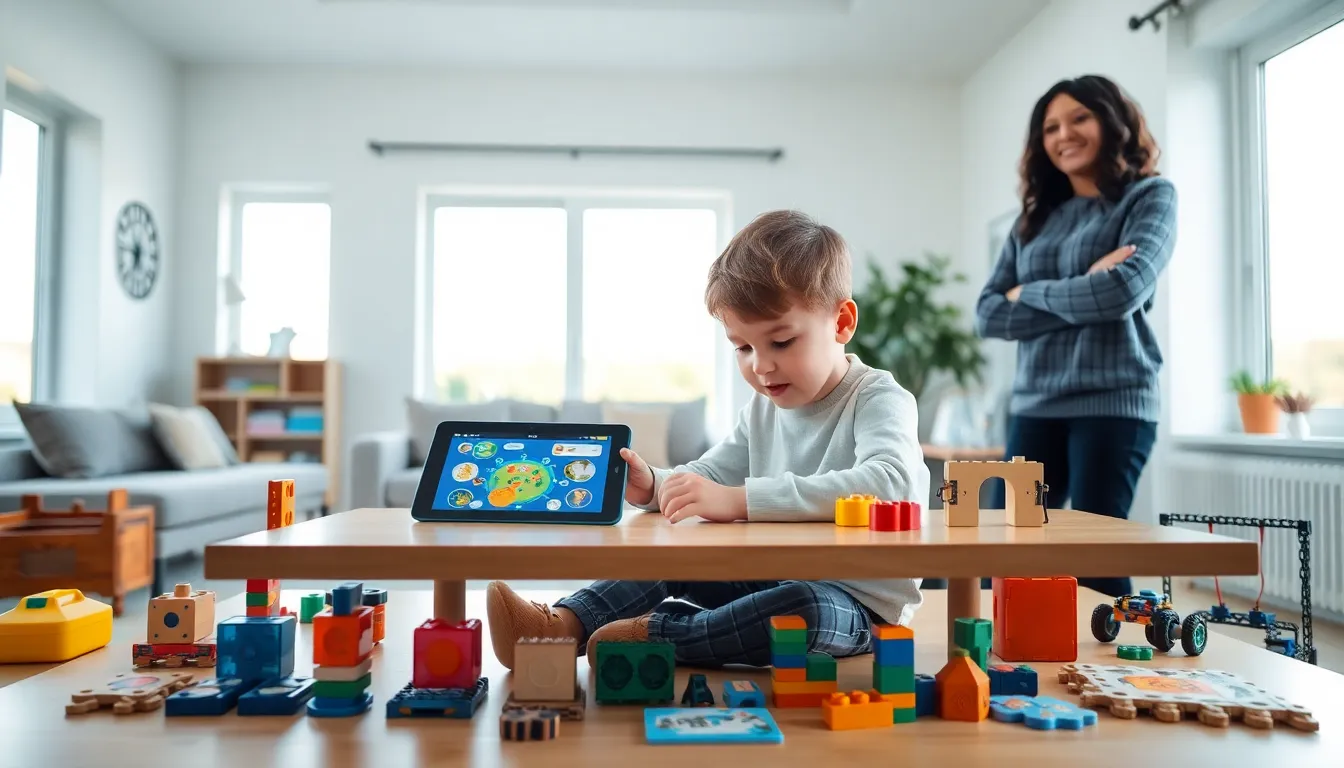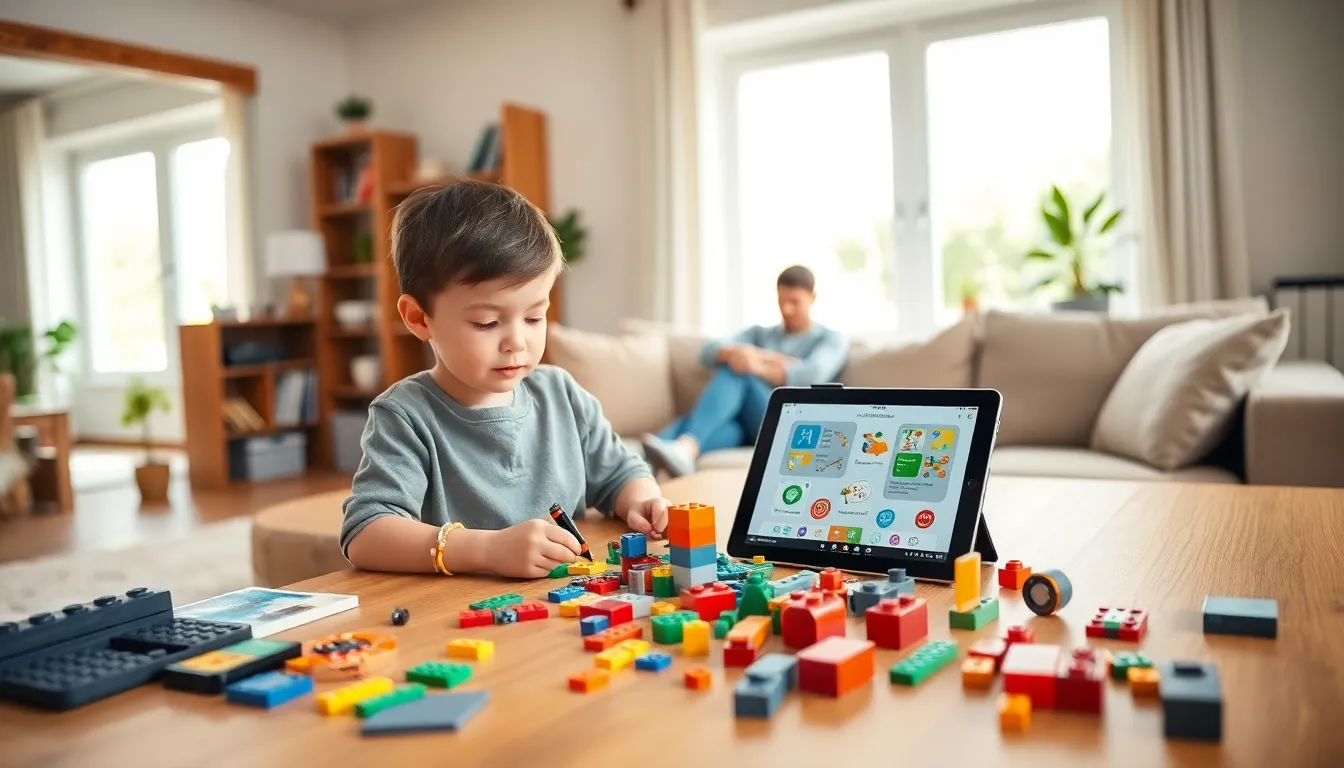
Finding the best educational apps and toys can feel like searching for a needle in a haystack. Parents want tools that teach real skills, not just flashy distractions. The good news? 2025 offers more quality options than ever before.
This guide breaks down the top educational apps and toys by age group. It covers what makes each tool effective, how to pick the right ones, and why balance between screens and hands-on play matters. Whether a child is 2 or 12, there’s something here that fits.
Table of Contents
ToggleKey Takeaways
- The best educational apps and toys should match a child’s developmental stage, interests, and learning style for maximum engagement.
- Top educational apps like Khan Academy Kids, Prodigy Math, and Scratch adapt to each learner and make skill-building enjoyable.
- Hands-on educational toys such as LEGO Education sets, Magna-Tiles, and Snap Circuits develop fine motor skills and spatial reasoning that screens can’t replicate.
- Quality matters more than quantity—choose a few excellent educational tools over many mediocre ones, and check reviews for privacy compliance.
- Balance screen time with physical play by setting clear boundaries, rotating activities, and joining your child in their learning experiences.
Top Educational Apps for Different Age Groups
The best educational apps match a child’s developmental stage. A toddler needs something very different from a fourth grader. Here’s what works at each level.
Toddlers (Ages 2–4)
Apps for toddlers should focus on basic skills: colors, shapes, letters, and numbers. Khan Academy Kids remains a standout. It offers free, ad-free lessons with adorable characters. Kids learn phonics, counting, and social-emotional skills through short activities.
Sago Mini World is another strong choice. It provides open-ended play without rules or scores. Children explore different scenarios, cooking, building, gardening, and develop creativity along the way.
Preschool to Early Elementary (Ages 5–7)
This age group benefits from apps that introduce reading and math foundations. Homer personalizes reading lessons based on each child’s interests. A kid who loves dinosaurs gets dinosaur-themed stories.
Prodigy Math turns arithmetic into an adventure game. Students solve problems to battle monsters and earn rewards. The app adapts difficulty based on performance, so children stay challenged but not frustrated.
Older Kids (Ages 8–12)
Older children can handle more complex educational apps. Duolingo teaches languages through bite-sized lessons. Its gamified approach keeps kids engaged without feeling like assignments.
Scratch from MIT lets kids create their own games and animations. They learn coding logic while building something they’re proud of. It’s free and has a huge online community for sharing projects.
The best educational apps share common traits: they adapt to the learner, provide meaningful feedback, and make the process enjoyable.
Must-Have Educational Toys That Inspire Learning
Physical toys offer learning experiences that screens can’t replicate. Kids use their hands, test ideas, and learn from real-world feedback. Here are the best educational toys worth considering in 2025.
Building and Construction Sets
LEGO Education sets teach engineering principles through play. The SPIKE Essential kit, for example, combines LEGO bricks with coding. Kids build robots and program them to move.
Magna-Tiles remain popular for younger children. These magnetic building blocks help kids understand geometry and spatial relationships. There’s no wrong way to build, which encourages experimentation.
STEM-Focused Toys
Snap Circuits lets children build real working circuits. They can create doorbells, alarms, and even lie detectors. Each project teaches basic electronics without requiring advanced knowledge.
GoldieBlox offers engineering toys marketed toward girls, though any child can enjoy them. The kits include storybooks that guide construction projects, blending reading with building.
Creative and Artistic Toys
Osmo bridges digital and physical play. Kids use tangible pieces, letter tiles, number blocks, or drawing tools, while the iPad camera tracks their work. The Genius Kit covers math, spelling, and art.
Kiwico Crates deliver monthly STEM projects to your door. Each box includes materials and instructions for a specific activity. Kids might build a hydraulic claw one month and a periscope the next.
The best educational toys encourage open-ended exploration. They don’t just teach facts, they teach kids how to think.
How to Choose the Right Educational Tools for Your Child
Not every educational app or toy works for every child. The trick is matching tools to a kid’s interests, learning style, and developmental needs.
Consider the Child’s Interests
A child who loves animals will engage more with biology apps than abstract math drills. One who can’t sit still might prefer hands-on toys over screen-based learning. Start with what excites them.
Check Age Appropriateness
Manufacturers include age ranges for good reason. A toy meant for 8-year-olds will frustrate a 4-year-old. An app designed for toddlers will bore a second grader. Match the difficulty level to avoid meltdowns or boredom.
Look for Quality Over Quantity
Three excellent educational apps beat twenty mediocre ones. Quality tools offer progressive challenges, clear feedback, and genuine educational value. Read reviews from parents and educators before buying.
Prioritize Privacy and Safety
For educational apps, check what data they collect. Look for COPPA compliance and avoid apps loaded with ads. Common Sense Media provides detailed reviews on both content quality and privacy practices.
The best educational apps and toys grow with a child. They offer multiple difficulty levels or open-ended play that stays interesting over time.
Balancing Screen Time With Hands-On Play
Both digital and physical learning tools have value. The goal isn’t eliminating screens, it’s finding the right mix.
Why Balance Matters
Screen-based learning offers personalization and instant feedback. Educational apps track progress and adjust difficulty automatically. But physical play develops fine motor skills, spatial reasoning, and social interaction in ways screens can’t.
The American Academy of Pediatrics suggests limiting recreational screen time while allowing high-quality educational content. Co-viewing and discussion improve outcomes for screen-based learning.
Practical Tips for Families
Set clear boundaries. Maybe screens happen after assignments, or only for 30 minutes at a time. Consistency helps kids understand expectations.
Rotate activities. Alternate between the best educational apps and hands-on toys throughout the week. Monday might be coding day: Tuesday could focus on building projects.
Join in the learning. Parents who play alongside their children boost engagement. Ask questions about what they’re building or learning. Share enthusiasm for their discoveries.
Create screen-free zones. Bedrooms and dinner tables work well. These spaces become dedicated to conversation, reading, or physical play.
Balance doesn’t mean equal time. It means intentional choices about when each type of learning serves a child best.