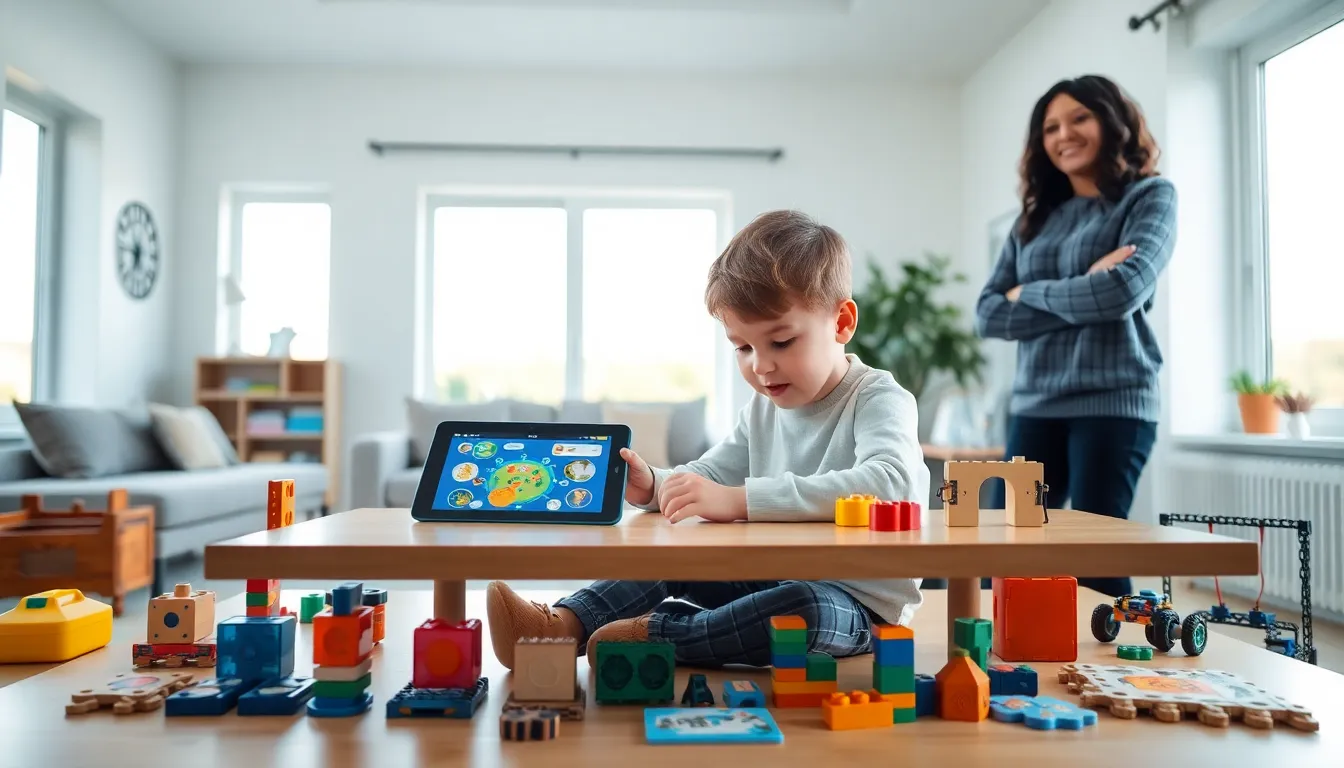
Educational apps and toys examples are everywhere today, but finding the right ones can feel overwhelming. Parents and educators want tools that actually teach, not just flashy products with empty promises. The good news? Research shows that well-designed learning tools can significantly boost cognitive development, problem-solving skills, and academic performance in children.
This guide breaks down the best educational apps and toys across age groups and categories. Whether a child needs help with reading, math, science, or creative thinking, these picks combine fun with real learning outcomes. From toddler-friendly options to advanced STEM kits for older kids, there’s something here for every young learner.
Table of Contents
ToggleKey Takeaways
- Educational apps and toys examples range from free platforms like Khan Academy Kids and Scratch to hands-on STEM kits like Snap Circuits and Magna-Tiles.
- The best educational tools match a child’s developmental stage—toddlers benefit from blocks and shape sorters, while older kids thrive with robotics and strategy games.
- STEM toys like Osmo and Kiwi Crate make abstract science and math concepts concrete through hands-on experimentation and play.
- Balance screen time with physical toys, as apps provide adaptive learning while hands-on toys build motor skills and social abilities.
- Choose open-ended educational apps and toys examples backed by research, as they grow with children and encourage creativity over time.
- Always check for durability, safety, and genuine educational value rather than flashy marketing when selecting learning tools.
Best Educational Apps for Kids
Educational apps have changed how children learn. They offer interactive experiences that textbooks simply can’t match. Here are some standout educational apps and toys examples in the digital space.
Khan Academy Kids remains a top choice for ages 2-8. It covers reading, writing, math, and social-emotional development through games and stories. The app is free, ad-free, and backed by educational research.
Duolingo makes language learning accessible for kids aged 4 and up. Its gamified approach keeps children engaged while teaching Spanish, French, Mandarin, and dozens of other languages. Short daily lessons fit easily into busy schedules.
Prodigy Math turns math practice into an adventure game. Students solve problems to battle monsters and explore virtual worlds. Teachers can track progress and assign specific skills. Over 50 million students use this platform worldwide.
ABCmouse offers a comprehensive curriculum for children ages 2-8. It includes over 10,000 activities covering reading, math, science, and art. The step-by-step learning path adapts to each child’s pace.
Scratch from MIT teaches coding basics through visual programming. Kids ages 8-16 create their own games, animations, and stories. This free platform builds logical thinking and creativity simultaneously.
These educational apps and toys examples show that screen time can be productive. The key is choosing apps with clear learning goals and limited distractions.
Top Learning Toys for Different Age Groups
Physical toys remain essential for child development. They build fine motor skills, spatial awareness, and social abilities that apps alone cannot provide.
Toddlers (Ages 1-3)
Building blocks like Mega Bloks help toddlers understand shapes, colors, and basic construction. Shape sorters develop problem-solving skills and hand-eye coordination. Musical instruments like xylophones introduce rhythm and cause-and-effect relationships.
Preschoolers (Ages 3-5)
Play-Doh and modeling clay strengthen hand muscles needed for writing. Puzzles with 12-24 pieces teach patience and spatial reasoning. Pretend play sets, kitchens, tool benches, doctor kits, build vocabulary and social skills through imaginative scenarios.
Early Elementary (Ages 5-8)
LEGO Classic sets offer open-ended building opportunities. Board games like Candy Land and Chutes and Ladders teach turn-taking, counting, and good sportsmanship. Science experiment kits introduce basic chemistry and physics concepts through hands-on activities.
Older Kids (Ages 8-12)
Robotic kits like LEGO Mindstorms challenge kids to build and program their own machines. Strategy games such as Chess and Settlers of Catan develop critical thinking. Art supplies with instruction books encourage creative expression and technique development.
These educational apps and toys examples across age groups share one thing: they meet children where they are developmentally while gently pushing them forward.
STEM Toys That Spark Curiosity
STEM toys focus specifically on science, technology, engineering, and math skills. They prepare children for future careers while making abstract concepts concrete and fun.
Snap Circuits lets kids build working electronic circuits without soldering. Over 300 projects teach electricity basics through hands-on experimentation. Children as young as 8 can create radios, alarms, and motion detectors.
Osmo combines physical play with digital learning. Kids manipulate real objects that interact with tablet screens. The system covers coding, math, spelling, and creative drawing across various game packs.
Magna-Tiles help children understand geometry and engineering principles. These magnetic building tiles create 2D and 3D structures. Kids learn about shapes, symmetry, and architectural stability through play.
Kiwi Crate delivers monthly STEM project boxes to homes. Each crate contains materials and instructions for age-appropriate experiments. Subscription options cover ages 0-16 with themes like geography, science, and engineering.
Gravity Maze challenges players to build marble runs that successfully navigate obstacles. This logic game develops spatial reasoning and planning skills. It works well for solo play or group problem-solving.
These educational apps and toys examples in the STEM category show that science doesn’t have to feel like assignments. The best STEM toys let kids experiment, fail, and try again, exactly how real scientists work.
How to Choose the Right Educational Tools
With thousands of educational apps and toys examples available, selecting the right ones requires some strategy. Here’s what parents and educators should consider.
Match the Child’s Developmental Stage
A toy that’s too advanced frustrates children. One that’s too simple bores them. Check age recommendations, but also consider the individual child’s abilities and interests. A 5-year-old who loves puzzles might enjoy challenges meant for older kids.
Look for Open-Ended Play
The best educational tools allow multiple uses. Blocks, art supplies, and construction sets grow with children. They support different skill levels and encourage creativity. Single-purpose toys often get abandoned quickly.
Check for Educational Value
Not everything labeled “educational” actually teaches. Look for toys and apps backed by research or developed with educators. Read reviews from teachers and parents. Avoid products that rely heavily on flashy graphics but lack substance.
Balance Screen Time
Educational apps and toys examples work best together. Apps excel at adaptive learning and immediate feedback. Physical toys build sensory experiences and social skills. A healthy mix of both supports well-rounded development.
Consider Durability and Safety
Quality toys withstand rough play and last for years, sometimes even passing to siblings. Check for non-toxic materials and appropriate sizing for younger children. Cheap toys often break and end up in landfills.
These guidelines help families invest in educational apps and toys examples that truly make a difference.