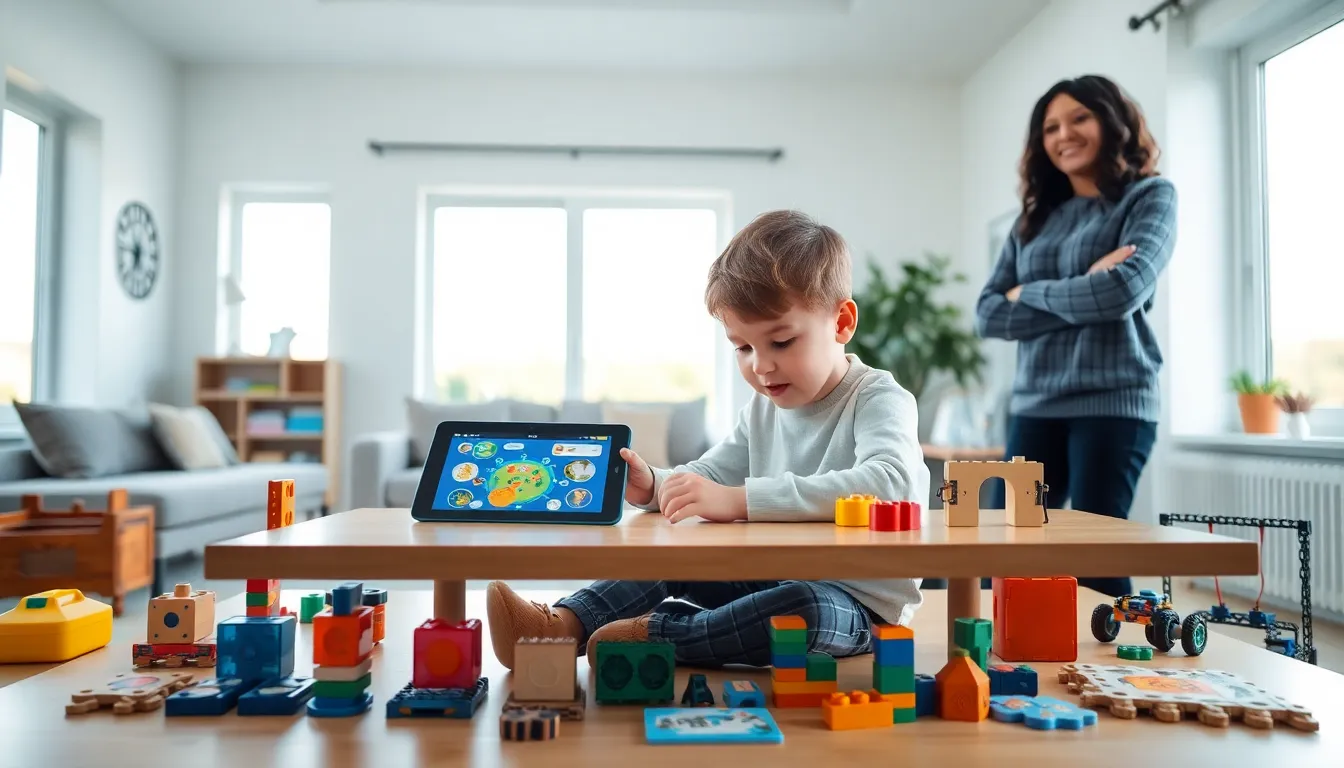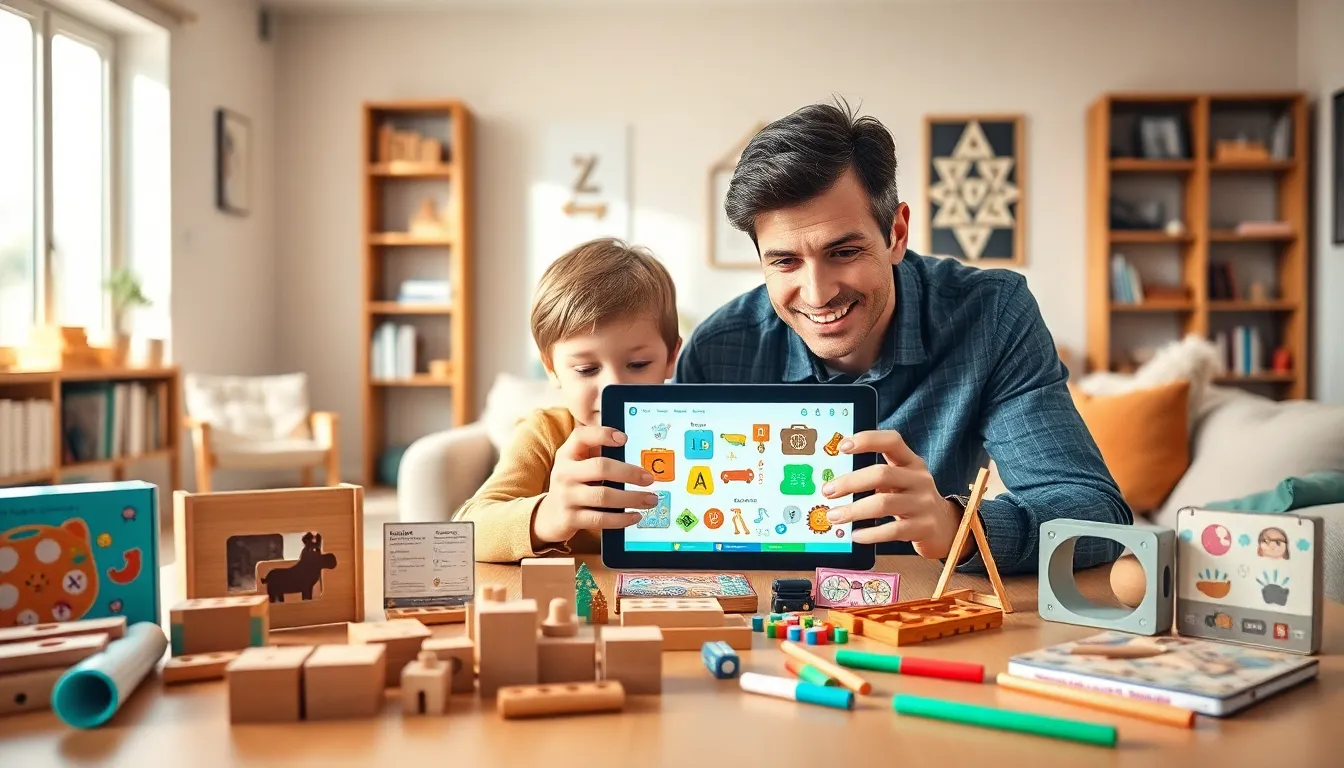
An educational apps and toys guide helps parents choose learning tools that actually work. Children today have access to thousands of apps and toys claiming to boost development. But not all products deliver real educational value. Some apps offer little more than flashy animations. Some toys sit untouched after a week.
This guide breaks down what matters most. Parents will learn how to spot quality educational apps and toys, match products to their child’s age, and strike a healthy balance between screens and hands-on play. The right learning tools can spark curiosity, build essential skills, and make education feel like fun.
Table of Contents
ToggleKey Takeaways
- Quality educational apps and toys support cognitive, language, motor, and emotional development during critical childhood growth periods.
- Always match learning tools to your child’s age—toddlers need simple cause-and-effect interactions, while older kids benefit from robotics and coding challenges.
- Top educational app categories include reading, math, science, coding, and creativity apps that turn learning into engaging games.
- Hands-on educational toys like building blocks, STEM kits, and puzzles offer sensory experiences that screens cannot replicate.
- Balance screen time with physical play by setting clear limits, creating tech-free zones, and pairing digital learning with real-world activities.
- Avoid educational apps with excessive ads or manipulative designs, and always test products alongside your child before committing.
Benefits of Educational Apps and Toys for Child Development
Educational apps and toys do more than keep children busy. They actively support cognitive, social, and motor skill development during critical growth periods.
Cognitive Growth
Quality educational apps teach problem-solving, pattern recognition, and logical thinking. A child using a puzzle app learns to analyze shapes and predict outcomes. Educational toys like building blocks strengthen spatial awareness and early math concepts.
Language and Communication
Many educational apps introduce vocabulary through interactive stories and games. Children hear proper pronunciation and see words in context. Toys that encourage pretend play, like kitchen sets or doctor kits, help kids practice conversation and social scripts.
Fine Motor Skills
Physical educational toys require hands-on manipulation. Threading beads, stacking rings, and using play dough all strengthen the small muscles in fingers and hands. These skills transfer directly to writing, buttoning clothes, and other daily tasks.
Emotional Development
Some educational apps teach children to identify and manage emotions. Characters model healthy responses to frustration, sharing, and cooperation. Toys designed for group play help kids practice turn-taking and teamwork.
The best educational apps and toys combine multiple benefits. A single product might build vocabulary while also improving hand-eye coordination. Parents should look for tools that challenge children without causing frustration.
How to Choose Age-Appropriate Learning Tools
Age matters when selecting educational apps and toys. A tool designed for a six-year-old will frustrate a toddler and bore a ten-year-old.
Toddlers (1-3 Years)
Toddlers need simple cause-and-effect interactions. Educational apps should feature large buttons, basic sounds, and immediate feedback. Toys should be safe to mouth, easy to grasp, and offer sensory variety. Shape sorters, soft blocks, and musical instruments work well at this stage.
Preschoolers (3-5 Years)
Preschoolers can handle more complex educational apps with basic game mechanics. Look for apps that teach letter recognition, counting, and color identification. Toys like play kitchens, dress-up clothes, and simple board games support imaginative play and rule-following.
Early Elementary (5-8 Years)
Children in this range benefit from educational apps that introduce reading, basic math operations, and science concepts. Coding toys, building sets with instructions, and strategy games challenge their growing abilities.
Older Children (8+ Years)
Older kids need educational apps and toys that match their expanding interests. Robotics kits, advanced coding platforms, and educational video games can hold their attention while teaching real skills.
Red Flags to Avoid
Skip products with excessive ads or in-app purchases targeting children. Avoid toys with small parts for young children. Check reviews from other parents and educators before purchasing any educational app or toy.
Top Categories of Educational Apps Worth Exploring
The educational apps market offers thousands of options. These categories consistently deliver strong learning outcomes.
Reading and Literacy Apps
Apps like Epic., Reading Eggs, and Starfall teach phonics, sight words, and reading comprehension. Many offer leveled content that grows with the child. Some track progress and suggest appropriate challenges.
Math Apps
Prodigy Math, Khan Academy Kids, and DragonBox make numbers engaging. These educational apps turn arithmetic into games with rewards and storylines. Children often practice longer because they’re having fun.
Science and Nature Apps
Toca Nature, Tinybop’s apps, and National Geographic Kids introduce biology, physics, and earth science through interactive experiments. Children can explore ecosystems, dissect virtual frogs, or build simple machines.
Coding and Logic Apps
ScratchJr, Kodable, and Lightbot teach programming basics through visual puzzles. Even preschoolers can learn sequencing and debugging concepts. These educational apps build skills valued across many future careers.
Creativity Apps
Drawing apps, music-making tools, and digital storytelling platforms encourage self-expression. Toca Boca, Garage Band for kids, and Toontastic let children create original content while learning artistic principles.
Parents should test educational apps alongside their children. A quick trial reveals whether the app holds attention, teaches effectively, and avoids manipulative design tricks.
Must-Have Educational Toys for Hands-On Learning
Physical educational toys remain essential even though the rise of digital learning. They offer sensory experiences that screens cannot replicate.
Building and Construction Toys
LEGO, Magna-Tiles, and wooden blocks teach engineering principles through play. Children learn about balance, structure, and spatial relationships. These educational toys grow with kids, a five-year-old builds towers while a ten-year-old creates complex machines.
STEM Kits
Science experiment kits, circuit-building sets, and robotics toys introduce hands-on STEM learning. Products like Snap Circuits, littleBits, and LEGO Mindstorms let children build working creations. They see immediate results from their efforts.
Puzzles and Brain Games
Jigsaw puzzles, tangrams, and logic games like Rush Hour strengthen problem-solving skills. These educational toys require patience and systematic thinking. They also work well for solo play or family time.
Art and Craft Supplies
Quality art materials count as educational toys. Crayons, clay, fabric scraps, and recycled materials encourage creativity and fine motor development. Open-ended supplies often provide more learning than pre-packaged craft kits.
Outdoor Learning Toys
Magnifying glasses, bug-catching kits, and gardening tools bring education outside. Children learn observation skills and develop appreciation for nature. These educational toys also promote physical activity.
The best educational toys invite repeated play. A toy that children return to week after week provides far more value than a flashy gadget that gets abandoned.
Balancing Screen Time With Physical Play
Educational apps offer clear benefits, but children also need hands-on play. Finding the right balance matters for healthy development.
Set Clear Boundaries
The American Academy of Pediatrics recommends limiting screen time based on age. Children under 18 months should avoid screens except video calls. Kids ages 2-5 should have one hour or less daily. Older children need consistent limits that allow time for physical activity, assignments, and sleep.
Make Screen Time Active
Choose educational apps that require interaction rather than passive watching. Apps where children solve problems, create content, or respond to prompts engage their brains more than video content. Movement-based apps that get kids off the couch add physical benefits.
Pair Digital and Physical Learning
Some families use educational apps to introduce topics, then explore them further with toys and real-world activities. A child might learn about dinosaurs through an app, then play with dinosaur figures, and finally visit a natural history museum.
Create Tech-Free Zones
Mealtimes, bedrooms, and outdoor play areas can remain screen-free. Educational toys fill these spaces naturally. Board games, art supplies, and building sets provide alternatives when screens are off.
Model Healthy Habits
Children watch how adults use technology. Parents who put down their phones during family time show kids that screens don’t need constant attention. This modeling reinforces the balance between educational apps and other activities.