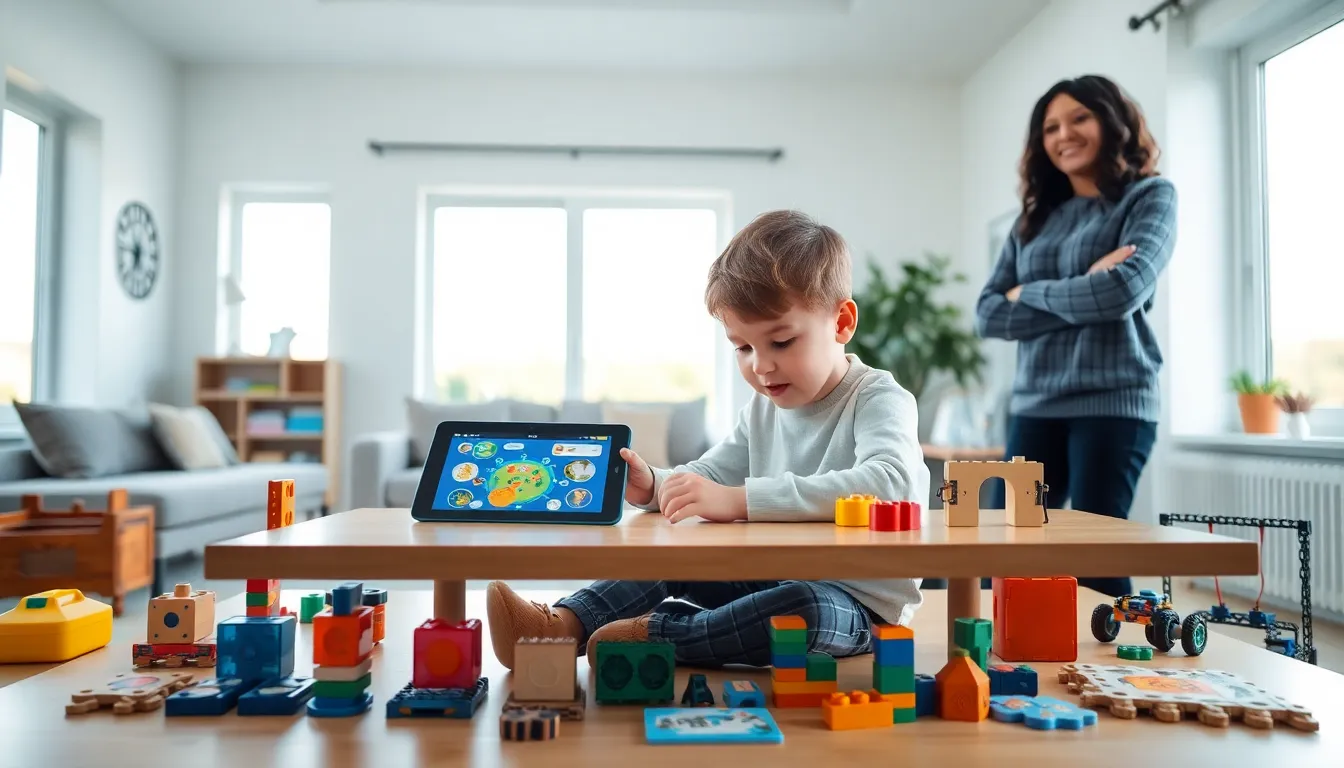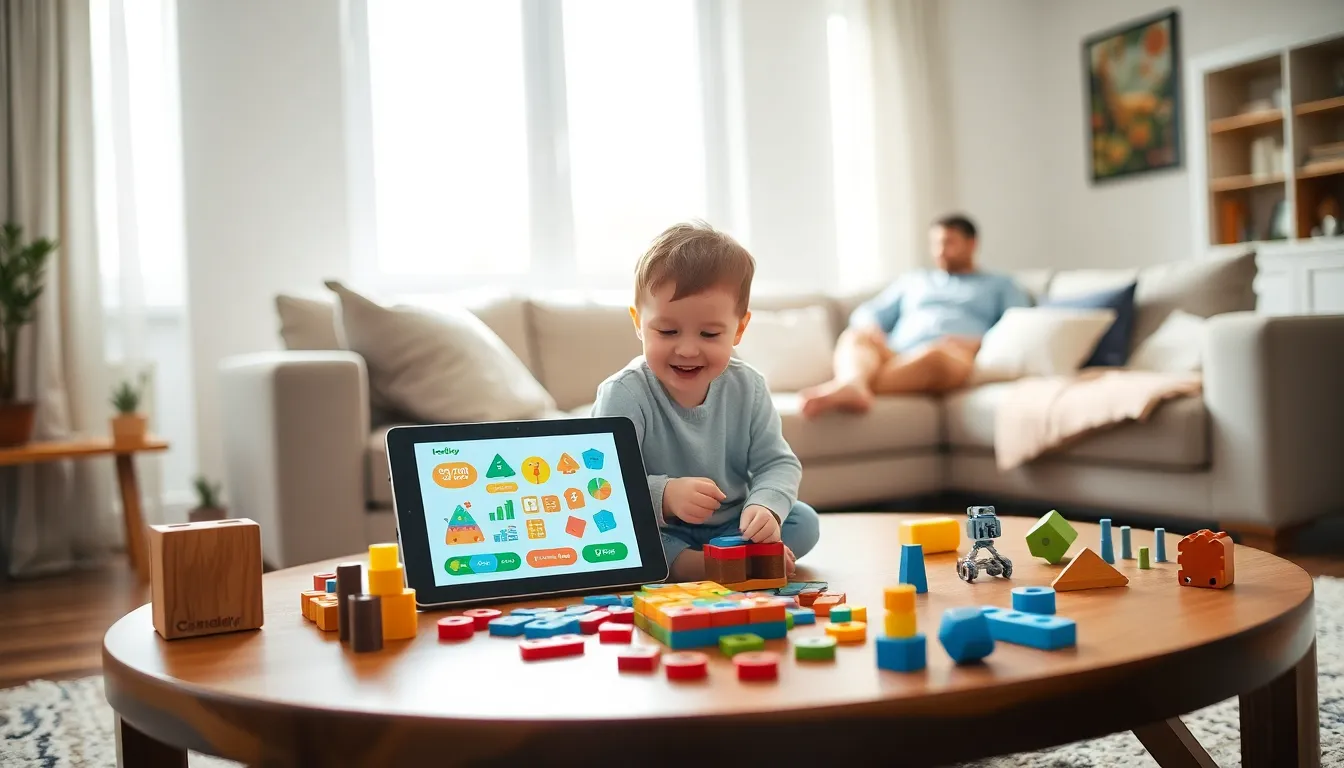
Finding the right educational apps and toys ideas can transform how children learn and grow. Parents today have access to thousands of digital tools and physical products designed to build skills, spark curiosity, and make learning genuinely fun. But with so many options, choosing the best ones feels overwhelming.
This guide breaks down the top educational apps and toys ideas for 2025. It covers recommendations for every age group, from toddlers discovering shapes to school-age kids building robots. Whether a parent wants screen-based learning or hands-on play, these picks deliver real educational value without sacrificing entertainment.
Table of Contents
ToggleKey Takeaways
- The best educational apps and toys ideas for 2025 combine engaging gameplay with proven learning methods to build skills across reading, math, science, and coding.
- Free apps like Khan Academy Kids and Duolingo ABC deliver high-quality educational content without subscriptions or in-app purchases.
- Hands-on toys like wooden blocks, magnetic tiles, and shape sorters remain essential for toddlers because they develop motor skills and cognitive abilities through tactile play.
- STEM toys such as LEGO Robotics, Snap Circuits, and littleBits introduce school-age children to engineering and coding through project-based learning.
- When choosing educational apps and toys ideas, match products to your child’s age, interests, and learning style rather than relying solely on marketing claims.
- Balance screen-based learning with physical play—apps work best for short practice sessions while hands-on toys support longer exploratory experiences.
Best Educational Apps for Kids in 2025
The best educational apps for kids in 2025 combine engaging gameplay with proven learning methods. These apps teach reading, math, science, and critical thinking through interactive experiences that hold children’s attention.
Khan Academy Kids remains a standout choice. This free app covers reading, writing, math, and social-emotional development for ages 2-8. The content adapts to each child’s skill level, and the cheerful characters keep young learners motivated.
ABCmouse offers a comprehensive curriculum for children ages 2-8. It includes over 10,000 learning activities across reading, math, science, and art. The step-by-step learning paths give structure while allowing kids to explore at their own pace.
For older children, Prodigy Math turns math practice into an adventure game. Students answer math questions to battle monsters and complete quests. Teachers and parents can track progress through detailed reports.
Duolingo ABC teaches reading and writing skills through short, game-like lessons. The app uses phonics-based instruction and works well for kids ages 3-7. It’s completely free with no ads or in-app purchases.
Scratch Jr introduces coding concepts to children ages 5-7. Kids create interactive stories and games by snapping together graphical programming blocks. This app builds logical thinking and creativity simultaneously.
When selecting educational apps and toys ideas, parents should look for apps that limit passive screen time. The best options require active participation rather than mindless tapping.
Top Learning Toys for Toddlers and Preschoolers
Toddlers and preschoolers learn best through hands-on play. The right toys build motor skills, language development, and early cognitive abilities while keeping little ones entertained.
Wooden building blocks remain essential. They teach spatial awareness, balance, and cause-and-effect relationships. Brands like Melissa & Doug and HABA offer durable sets in various shapes and colors.
Shape sorters help toddlers recognize geometric forms and develop problem-solving skills. These simple toys require children to match shapes with corresponding holes, a surprisingly challenging task for 12-24 month olds.
Play kitchens and tool sets encourage imaginative play and vocabulary building. Children practice social scenarios, learn object names, and develop fine motor skills through pretend cooking and building.
Magnetic tiles like Magna-Tiles or PicassoTiles let preschoolers construct 3D structures. These toys teach geometry concepts naturally while fostering creativity. Kids can build towers, houses, and abstract designs.
Puzzles sized for small hands strengthen cognitive development and hand-eye coordination. Start with simple 2-3 piece puzzles for toddlers and progress to 24-piece puzzles for preschoolers.
Among educational apps and toys ideas for this age group, tactile experiences matter most. Physical toys allow children to manipulate objects, feel textures, and learn through their senses in ways screens cannot replicate.
STEM Toys and Apps for School-Age Children
School-age children benefit from STEM toys and apps that challenge their growing minds. These products introduce engineering, coding, robotics, and scientific thinking through project-based learning.
LEGO Education sets combine familiar building with engineering principles. Sets like LEGO Boost and LEGO Mindstorms let kids build and program robots. The accompanying apps guide children through increasingly complex projects.
Snap Circuits teach electrical engineering through safe, hands-on experiments. Children connect components to build working circuits for lights, fans, and radios. The visual nature of the snap-together pieces makes abstract concepts concrete.
Osmo bridges physical and digital play. Children manipulate real objects while the tablet camera tracks their movements. Osmo offers games for coding, math, spelling, and drawing.
littleBits provides electronic building blocks that snap together magnetically. Kids create inventions like alarms, remote-controlled cars, and musical instruments. Each bit performs a specific function, power, input, output, or logic.
Tynker and Code.org offer structured coding curricula for elementary and middle school students. These platforms use block-based programming initially, then transition to text-based languages like Python and JavaScript.
National Geographic science kits provide hands-on experiments in chemistry, geology, and biology. Children grow crystals, excavate fossils, and conduct real scientific investigations.
The best educational apps and toys ideas for this age group encourage trial and error. STEM learning happens when children build, test, fail, and rebuild. Products that allow open-ended exploration outperform those with single correct answers.
How to Choose the Right Educational Tools for Your Child
Selecting educational apps and toys ideas requires matching products to a child’s developmental stage, interests, and learning style. A few key considerations help parents make smart choices.
Consider age appropriateness first. Toys designed for older children frustrate younger ones. Products meant for babies bore preschoolers. Check recommended age ranges, but also observe whether your child engages with similar complexity levels.
Follow the child’s interests. A dinosaur-obsessed kid will learn more from paleontology kits than from generic science sets. An artistic child might prefer coding apps that create visual art over those focused on game development.
Balance screen time with physical play. Both digital and hands-on educational apps and toys ideas have value. Aim for variety. Apps work well for short, focused practice sessions. Physical toys support longer, more exploratory play.
Read reviews from parents and educators. Marketing claims don’t always match reality. Parent reviews reveal whether children actually use products after the first week. Teacher endorsements indicate genuine educational value.
Evaluate open-ended versus structured play. Some children thrive with clear objectives and step-by-step instructions. Others prefer toys that allow unlimited creative expression. Neither approach is better, it depends on the individual child.
Set a reasonable budget. Expensive doesn’t mean better. Many free apps outperform paid alternatives. Classic toys like blocks and puzzles cost less than electronic gadgets and often provide more developmental benefits.
Watch for quality indicators. Look for awards from organizations like Parents’ Choice or the National Parenting Product Awards. Check whether apps come from established educational publishers or were developed with input from child development experts.