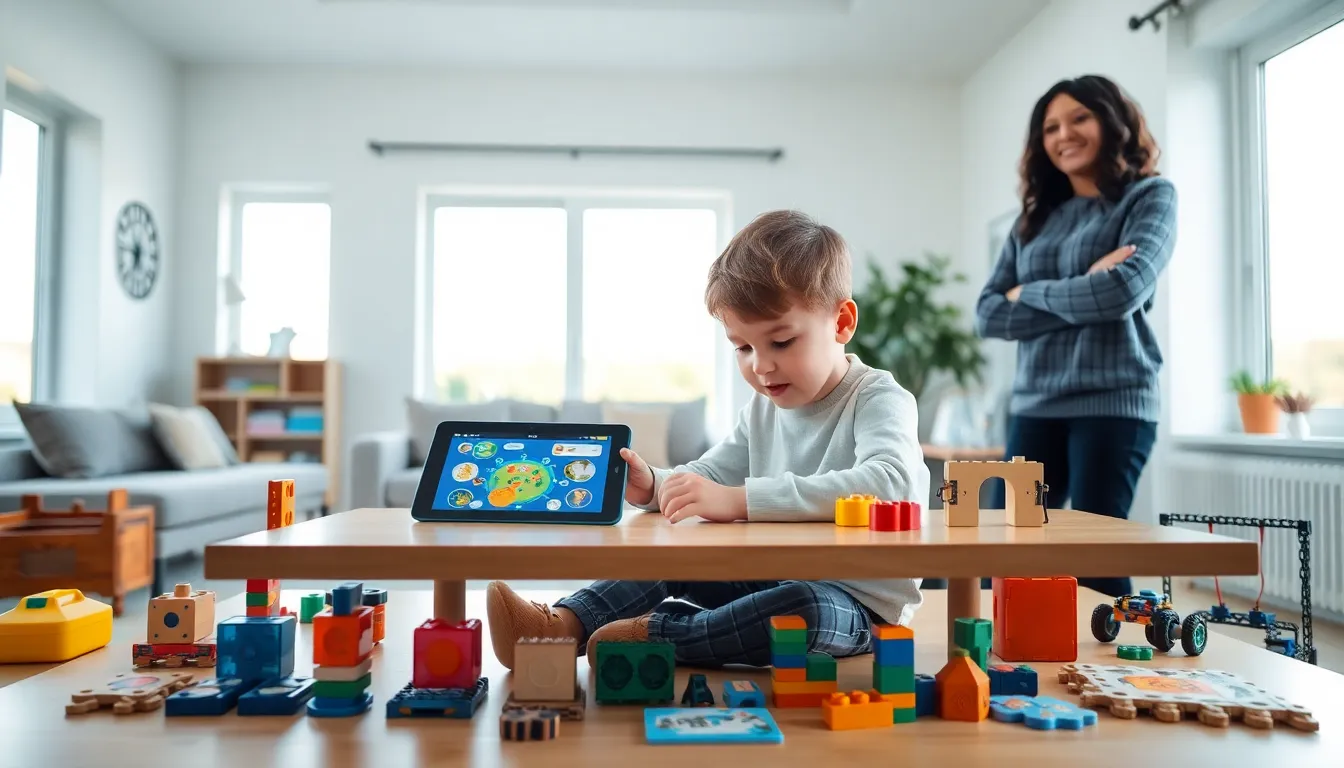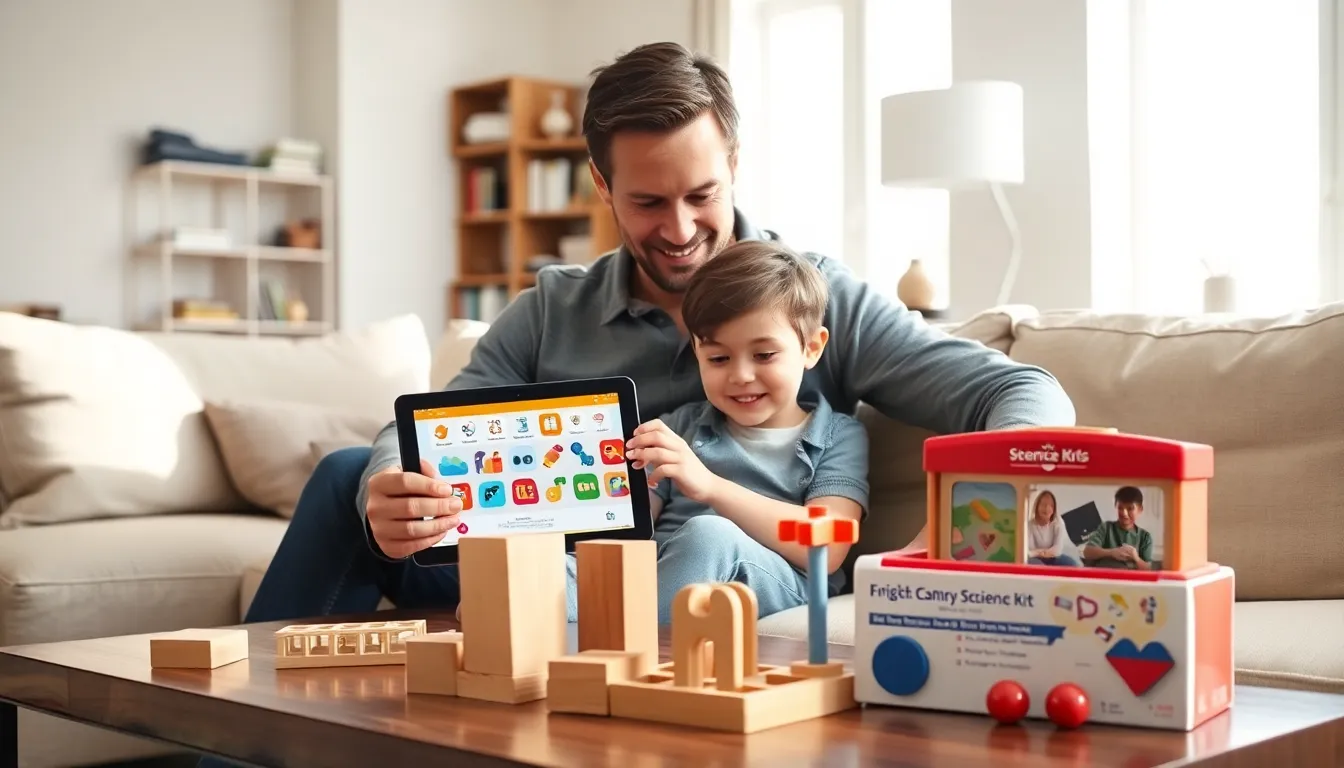
Parents today face countless options when selecting educational apps and toys for their children. The right learning tools can spark curiosity, build skills, and make education feel like play. The wrong ones? They collect dust or become mindless distractions.
This guide offers practical educational apps and toys tips that help parents make smarter choices. From age-appropriate selections to balancing screen time, these strategies ensure children get the most from their learning experiences. Whether shopping for a toddler or a ten-year-old, these tips will point families toward products that actually deliver results.
Table of Contents
ToggleKey Takeaways
- Match educational apps and toys to your child’s developmental stage rather than relying on flashy packaging or brand popularity.
- Balance screen time with hands-on learning by rotating between digital apps and physical toys throughout the week.
- Look for apps with progressive difficulty, minimal ads, and parent dashboards to ensure genuine learning value.
- Choose open-ended physical toys that support multiple uses, durability, and social play options.
- Maximize learning by connecting educational apps and toys to real-life experiences and asking open-ended questions during play.
- Follow your child’s interests and create consistent learning routines without making them feel like chores.
Choosing Age-Appropriate Educational Apps and Toys
Age-appropriate selection matters more than flashy packaging or popular brand names. A toy designed for older children can frustrate a toddler, while apps meant for preschoolers bore elementary students. Matching developmental stages to product complexity creates the best learning outcomes.
For toddlers (ages 1-3), parents should seek educational apps and toys that focus on sensory exploration and basic cause-and-effect relationships. Simple shape sorters, stacking blocks, and apps with large buttons and immediate feedback work well. These products build fine motor skills and teach foundational concepts like colors and shapes.
Preschoolers (ages 3-5) benefit from educational apps and toys that introduce letters, numbers, and early problem-solving. Interactive alphabet games, counting toys, and apps that require simple sequencing support kindergarten readiness. Look for products that encourage creativity alongside structured learning.
Elementary-age children (ages 6-10) need more challenge. Coding toys, science experiment kits, and apps with progressive difficulty levels keep them engaged. Educational apps and toys tips for this age group include choosing products that allow kids to fail safely and try again, building resilience alongside academic skills.
Always check manufacturer age recommendations, but don’t stop there. Consider the individual child’s interests, attention span, and current abilities. A child who loves dinosaurs will engage more with a paleontology app than a generic math game, regardless of what the box says.
Balancing Screen Time With Hands-On Learning
Screen time debates dominate parenting conversations, but the issue isn’t simply digital versus physical. Quality matters more than medium. A well-designed educational app can teach coding logic effectively, while a cheap plastic toy might offer zero learning value.
That said, children need variety. The American Academy of Pediatrics recommends limiting screen time for children ages 2-5 to one hour per day of high-quality programming. For older kids, consistent limits help maintain balance.
Smart parents use educational apps and toys together rather than treating them as competing options. A child might use an app to learn about plant biology, then grow actual seeds in a hands-on kit. This combination reinforces concepts through multiple learning modalities.
Create a weekly schedule that alternates between digital and physical learning tools. Monday might feature a math app, Tuesday could involve building blocks, Wednesday brings out the science kit. This rotation prevents screen fatigue while keeping learning fresh and exciting.
Educational apps and toys tips also include watching for signs of overstimulation. If a child seems irritable after app use or struggles to transition away from screens, that’s a signal to increase hands-on activities. Physical toys like puzzles, construction sets, and art supplies develop skills that screens simply cannot replicate, spatial reasoning, hand strength, and sensory integration.
Features to Look for in Quality Educational Products
Not all educational apps and toys deliver on their promises. Some slap “educational” on the label without offering real learning value. Parents need specific criteria to separate genuine learning tools from marketing hype.
For apps, prioritize these features:
- Progressive difficulty: The app should grow with the child, introducing harder concepts as skills develop
- Active engagement: Children should make decisions, solve problems, or create content, not just watch passively
- Minimal ads: Frequent advertisements disrupt learning and can expose kids to inappropriate content
- Offline functionality: Apps that work without internet allow learning anywhere
- Parent dashboards: Progress tracking helps parents understand what their child is actually learning
For physical toys, quality educational apps and toys tips include:
- Open-ended play: Products that support multiple uses encourage creativity and extended engagement
- Durability: Cheap materials break quickly and create waste
- Clear learning objectives: The best toys teach specific skills without requiring elaborate setup or constant adult supervision
- Social play options: Toys that work for groups build communication and cooperation skills
Read reviews from other parents and educators before purchasing. Educational apps and toys that receive praise from teachers often prove more effective than those with celebrity endorsements. Check for awards from organizations like Parents’ Choice or the National Parenting Product Awards, these indicate independent evaluation of educational merit.
How to Maximize Learning Through Play
Owning great educational apps and toys means nothing if children don’t use them effectively. Parents play a crucial role in turning products into learning experiences.
First, introduce new educational apps and toys with enthusiasm but without pressure. Demonstrate how the product works, then step back. Children learn best when they feel ownership over their discovery process. Hovering parents who correct every mistake actually reduce learning outcomes.
Second, connect learning tools to real life. If a child uses an app about money, let them practice counting change at the store. When they build with construction toys, point out similar structures in the neighborhood. These connections make abstract concepts concrete and memorable.
Third, ask open-ended questions during play. Instead of “What color is that?” try “Why did you choose that piece?” Questions that require explanation push children to articulate their thinking, a skill that transfers across all subjects.
Fourth, create learning routines without making them feel like chores. Educational apps and toys tips suggest dedicating consistent times for learning play, perhaps after school or before dinner. Routine builds habits, and habits build skills over time.
Finally, follow the child’s lead. If they want to use the science kit every day for a week, let them. Deep interest drives deeper learning. The educational apps and toys will still be there when enthusiasm shifts to a new topic.