Educational apps and toys have become essential tools for modern learning. Parents and educators now use these resources to support skill-building in children from infancy through adolescence. But what exactly qualifies as an educational app or toy? And how do they differ from standard entertainment products?
This guide explains the core features of educational apps and toys. It covers their benefits for child development and offers practical advice for selecting the right options. Whether a parent is shopping for a toddler or a teacher is outfitting a classroom, understanding these tools helps make smarter choices.
Table of Contents
ToggleKey Takeaways
- Educational apps and toys are purpose-built learning tools with clear objectives, unlike standard entertainment products.
- Quality educational apps feature interactive engagement, progress tracking, adaptive difficulty, and immediate feedback systems.
- Educational toys work best when they have open-ended designs that encourage imagination and multiple uses.
- Research shows that children using math-focused educational apps for just 20 minutes daily can see 27% greater improvement in number recognition.
- Always match educational apps and toys to your child’s developmental stage for the best learning outcomes.
- Focus on quality over quantity—10 minutes with a well-designed educational tool beats an hour with a poorly designed one.
Defining Educational Apps
Educational apps are software programs designed to teach specific skills or concepts. They run on smartphones, tablets, and computers. Unlike games focused purely on entertainment, educational apps have clear learning objectives built into their design.
These apps cover a wide range of subjects. Some teach reading and phonics. Others focus on math, science, coding, or foreign languages. Many apps target specific age groups, from toddlers learning shapes and colors to teenagers studying for standardized tests.
The best educational apps share several key features:
- Interactive engagement: Children actively participate rather than passively watch
- Progress tracking: Parents and teachers can monitor learning milestones
- Adaptive difficulty: Content adjusts based on the child’s performance
- Feedback systems: Immediate responses help children learn from mistakes
Educational apps work well because they meet children where they already spend time, on screens. A 2023 Common Sense Media report found that children ages 8-12 spend an average of 5.5 hours daily on screens. Educational apps turn some of that screen time into productive learning opportunities.
Popular examples include ABCmouse for early literacy, Khan Academy Kids for multiple subjects, and Duolingo for language learning. Each app uses games, animations, and rewards to keep children engaged while teaching fundamental skills.
Understanding Educational Toys
Educational toys are physical objects designed to promote learning through play. They differ from regular toys because they target specific developmental skills. A building block set, for example, teaches spatial reasoning and fine motor control. A standard action figure doesn’t have the same intentional learning design.
Educational toys fall into several categories:
- STEM toys: Science kits, engineering sets, and coding robots
- Language toys: Alphabet puzzles, word games, and talking books
- Motor skill toys: Building blocks, threading beads, and play dough
- Social-emotional toys: Dolls, puppets, and cooperative board games
- Creative toys: Art supplies, musical instruments, and craft kits
The history of educational toys stretches back centuries. Friedrich Froebel, who created the kindergarten concept in 1837, developed “Froebel Gifts”, geometric wooden blocks designed to teach children mathematical relationships through play. This idea, that play itself is educational, still drives toy design today.
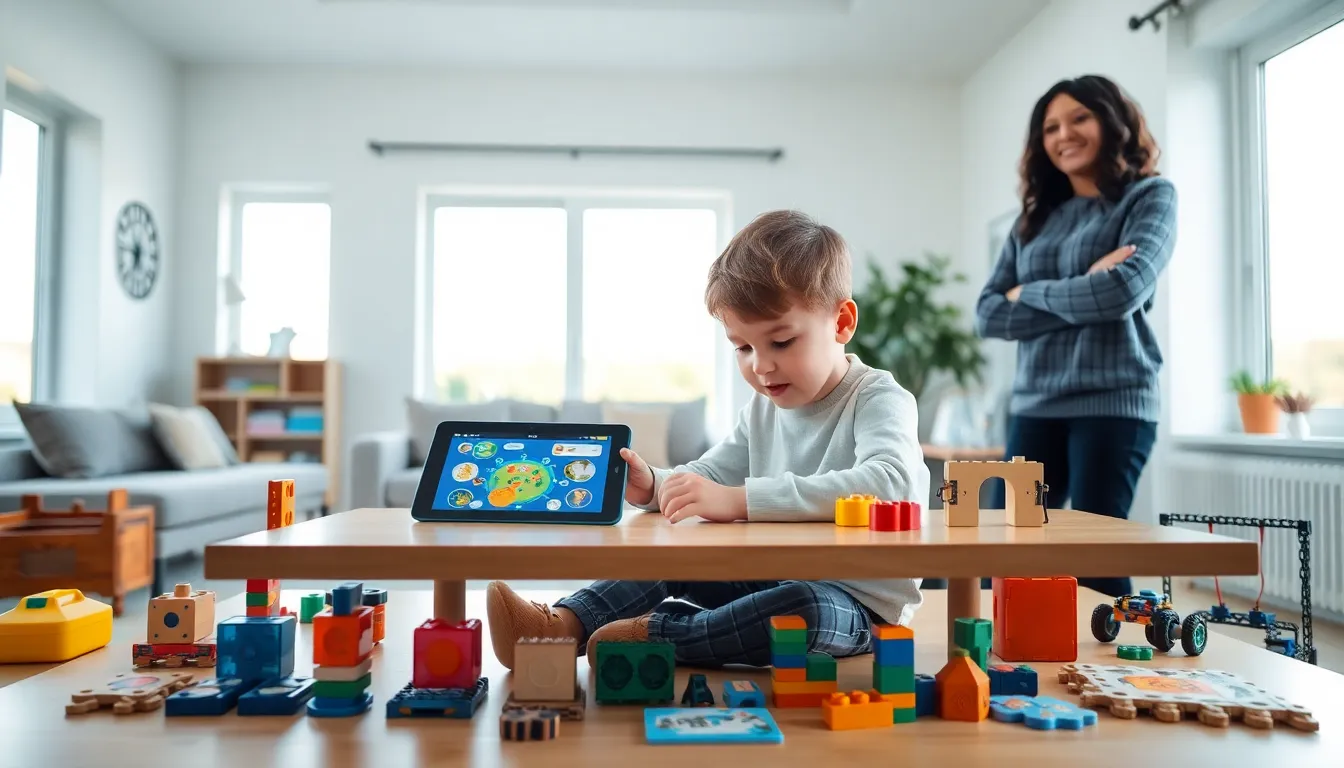
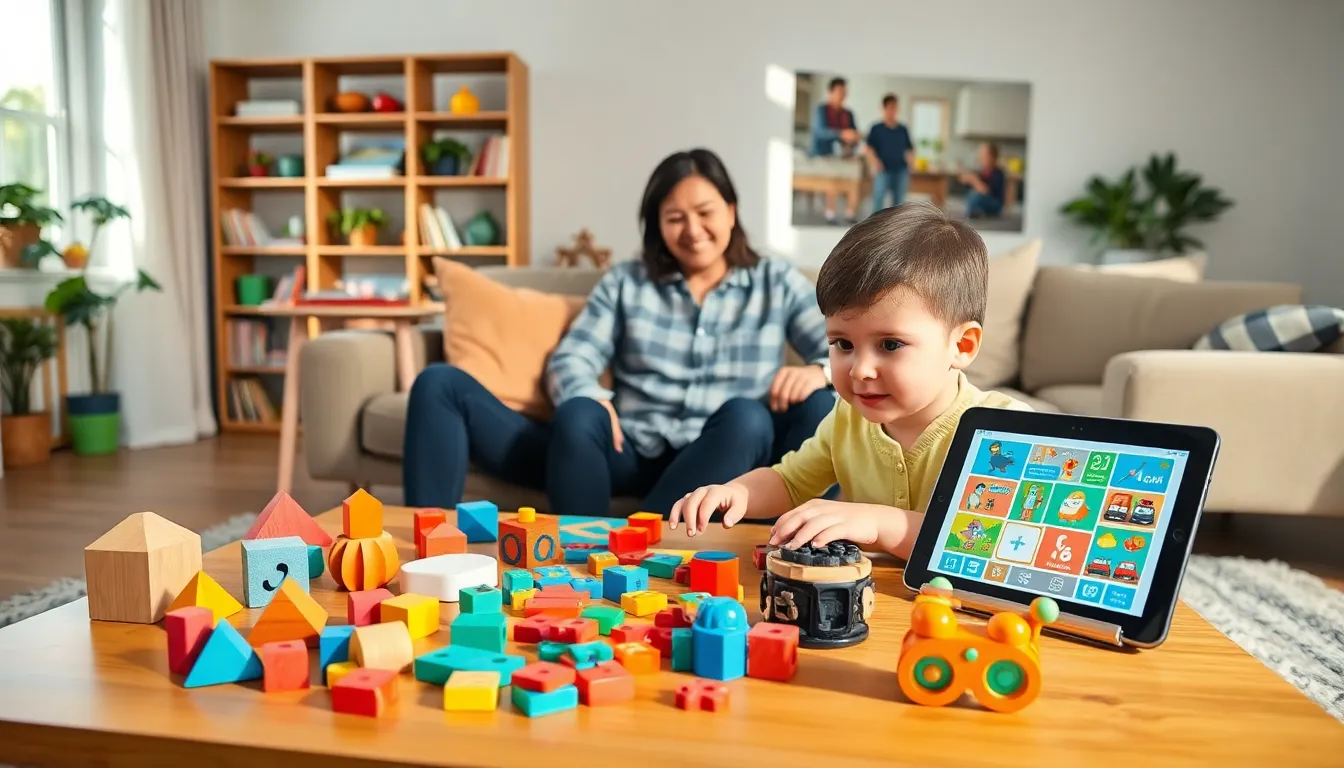
Modern educational toys often blend physical and digital elements. LEGO sets now come with coding apps. Talking plush toys connect to smartphones. This hybrid approach combines hands-on manipulation with digital interactivity.
What makes a toy truly educational? Research points to open-ended design. Toys that allow multiple uses and encourage imagination tend to produce better learning outcomes than single-purpose electronic toys. A set of wooden blocks can become a castle, a city, or a spaceship. That flexibility builds creative thinking.
Key Benefits for Child Development
Educational apps and toys support child development across multiple domains. Research consistently shows that well-designed learning tools produce measurable benefits.
Cognitive Development
Educational apps and toys strengthen problem-solving abilities. Puzzles teach logical thinking. Math games build number sense. Science kits encourage hypothesis testing. Children who regularly use quality educational tools often show stronger academic readiness.
A 2022 study published in the Journal of Educational Psychology found that preschoolers who used math-focused educational apps for 20 minutes daily showed 27% greater improvement in number recognition compared to a control group.
Language and Literacy
Phonics apps and alphabet toys accelerate reading readiness. Interactive storybooks expand vocabulary. Word games strengthen spelling skills. Educational apps that use voice recognition can even help children improve pronunciation.
Motor Skills
Physical educational toys develop both fine and gross motor control. Threading beads strengthens finger dexterity. Building sets improve hand-eye coordination. Art supplies train pencil grip, a crucial skill for writing.
Social-Emotional Growth
Multiplayer educational apps teach cooperation and turn-taking. Board games build patience and sportsmanship. Role-playing toys help children process emotions and practice social scenarios.
Screen Time Balance
Educational apps offer a practical compromise for parents concerned about screen time. They transform passive consumption into active learning. Many apps include built-in timers and parent controls to maintain healthy limits.
The key is quality over quantity. Ten minutes with a well-designed educational app produces better outcomes than an hour with a poorly designed one.
How to Choose the Right Educational Tools
Selecting effective educational apps and toys requires careful evaluation. Not every product labeled “educational” delivers real learning value. Here’s what to look for.
Check for Learning Objectives
Genuine educational apps and toys state clear learning goals. They specify which skills they develop. Vague claims like “brain-boosting” without specifics often signal low educational value.
Evaluate Engagement Quality
Good educational tools keep children interested without relying solely on flashy animations or constant rewards. Look for products that make the learning activity itself rewarding.
Research the Developers
Educational apps developed with input from educators and child development experts tend to be more effective. Check whether teachers, psychologists, or curriculum specialists contributed to the design.
Read Reviews from Parents and Teachers
User reviews reveal how products perform in real settings. Pay attention to comments about durability, actual engagement time, and observable learning outcomes.
Age-Appropriate Considerations
Matching educational apps and toys to a child’s developmental stage matters significantly. Products designed for the wrong age group frustrate children or fail to challenge them.
Infants (0-12 months): High-contrast toys, textured objects, and simple cause-and-effect toys. Educational apps aren’t recommended for this age.
Toddlers (1-3 years): Shape sorters, stacking toys, simple puzzles, and basic touchscreen apps with large buttons and minimal text.
Preschoolers (3-5 years): Building sets, letter and number games, pretend play toys, and educational apps focused on early literacy and numeracy.
School-age children (6-12 years): STEM kits, strategy games, coding apps, and subject-specific learning tools that align with classroom curriculum.
Teenagers (13+): Advanced coding platforms, test prep apps, creative software, and tools that support independent research and project-based learning.
The American Academy of Pediatrics recommends limiting screen time for children under 2. For educational apps specifically, they suggest co-viewing, where parents interact with children during app use, produces the best outcomes.