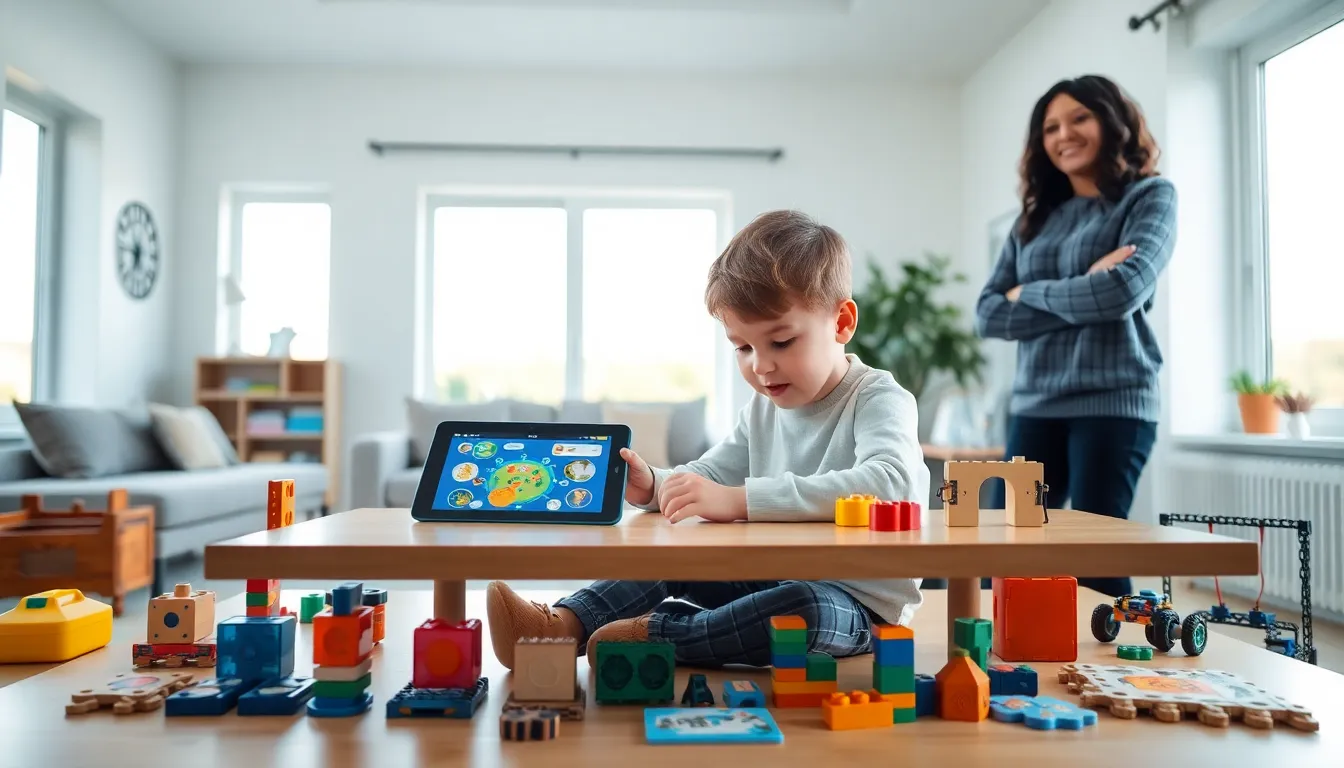
Educational apps and toys tools have become essential resources for parents and educators who want to support children’s learning. These tools combine play with skill-building, making education engaging and effective. But with thousands of options available, choosing the right ones can feel overwhelming.
This guide breaks down what makes educational apps and toys work, explores top categories by age group, and offers practical advice for selection. Whether someone is shopping for a toddler or a middle schooler, this article provides the information needed to make smart choices.
Table of Contents
ToggleKey Takeaways
- The best educational apps and toys tools require active engagement, age-appropriate challenges, and clear learning objectives to deliver real results.
- Match educational tools to your child’s developmental stage—toddlers need sensory toys, while tweens benefit from coding platforms and strategy games.
- Always check reviews from trusted sources like Common Sense Media and verify privacy practices before downloading children’s apps.
- Balance screen-based learning with hands-on activities to reinforce concepts and maximize retention.
- Look for educational apps and toys tools with progress tracking and adaptive difficulty levels that grow with your child.
- Pair digital learning with physical play and co-play sessions to transform screen time into meaningful educational experiences.
What Makes Educational Apps and Toys Effective
Not all educational apps and toys tools deliver real learning outcomes. The best ones share several key characteristics that set them apart from basic entertainment.
Active Engagement Over Passive Consumption
Effective educational tools require children to think, solve problems, and make decisions. A quality math app asks kids to work through equations rather than watch animated characters count. Similarly, building toys like construction sets encourage spatial reasoning and planning.
Research from the American Academy of Pediatrics shows that interactive learning produces better retention than passive watching. Children remember concepts longer when they actively participate in the learning process.
Age-Appropriate Challenge Levels
The best educational apps and toys tools match a child’s developmental stage. They offer challenges that stretch abilities without causing frustration. Many apps now use adaptive technology that adjusts difficulty based on performance.
A five-year-old benefits from letter recognition games, while a ten-year-old needs coding puzzles or science experiments. Matching the tool to the child’s current abilities keeps motivation high.
Clear Learning Objectives
Strong educational tools target specific skills. Parents and educators should look for apps and toys that clearly state what children will learn. Vague claims like “makes kids smarter” mean little. Specific goals like “teaches multiplication tables” or “develops fine motor skills” indicate thoughtful design.
Feedback and Progress Tracking
Quality educational apps provide immediate feedback. When a child answers incorrectly, the app explains why and offers another chance. This instant response helps kids understand mistakes and adjust their approach.
Many educational apps and toys tools now include parent dashboards that show progress over time. These reports help adults identify strengths and areas needing extra attention.
Top Categories of Educational Tools for Different Age Groups
Different ages require different approaches. Here’s a breakdown of the most effective educational apps and toys tools by developmental stage.
Toddlers (Ages 1-3)
Toddlers learn through sensory exploration and repetition. The best tools for this age group include:
- Shape sorters and stacking toys that teach spatial awareness
- Touch-and-feel books that build vocabulary
- Simple cause-and-effect apps with limited screen interaction
- Musical instruments like xylophones that connect actions to sounds
Screen time should remain minimal at this stage. Physical toys that encourage movement and tactile exploration produce the strongest developmental benefits.
Preschoolers (Ages 3-5)
Preschoolers start developing pre-literacy and early math skills. Effective educational apps and toys tools for this group include:
- Letter and phonics apps that introduce reading fundamentals
- Counting games with physical manipulatives
- Art supplies that develop fine motor control
- Pretend play sets that build social and emotional skills
At this age, educational apps work best when paired with offline activities. A phonics app becomes more powerful when followed by reading a physical book together.
Elementary Age (Ages 6-10)
School-age children can handle more complex educational tools. Popular categories include:
- Coding toys and apps like Scratch Jr. or programmable robots
- Science kits covering chemistry, biology, or physics
- Math apps that gamify multiplication, division, and fractions
- Geography and history games that make social studies engaging
Children at this stage benefit from educational apps and toys tools that connect to school curriculum while feeling like play.
Tweens (Ages 11-13)
Older kids need tools that respect their growing independence. Strong options include:
- Language learning apps like Duolingo
- Advanced coding platforms like Python or JavaScript courses
- Strategy board games that develop critical thinking
- Documentary-style apps covering science and current events
How to Choose the Right Educational Apps and Toys
With so many educational apps and toys tools available, selection requires strategy. These criteria help narrow down the options.
Check Reviews From Trusted Sources
Common Sense Media rates educational apps for quality and age-appropriateness. The App Store and Google Play reviews from other parents offer real-world feedback. Look for comments about actual learning outcomes, not just entertainment value.
Evaluate Privacy Practices
Many children’s apps collect data. Parents should check privacy policies before downloading. Apps certified by COPPA (Children’s Online Privacy Protection Act) meet stricter data collection standards.
Test Before Committing
Most quality educational apps and toys tools offer free trials or demo versions. Take advantage of these to see how a child responds before purchasing subscriptions or expensive products.
Consider Longevity
The best educational tools grow with children. Open-ended toys like building blocks remain relevant for years. Apps with multiple difficulty levels provide lasting value compared to single-use games.
Match Interests to Subjects
A child who loves dinosaurs might engage more with a paleontology app than a generic science game. Educational apps and toys tools work best when they connect learning objectives to existing passions.
Balancing Screen Time With Hands-On Learning
Educational apps offer powerful learning opportunities, but they shouldn’t replace physical play and real-world exploration. Finding the right balance matters.
Set Clear Boundaries
The American Academy of Pediatrics recommends limiting screen time to one hour daily for children ages 2-5 and consistent limits for older kids. Educational apps and toys tools that require screens should fit within these guidelines.
Create designated “app time” periods rather than allowing unlimited access. This structure helps children understand that screens are one tool among many.
Pair Digital With Physical
The strongest learning happens when educational apps connect to hands-on activities. After a child uses a plant biology app, take them outside to examine real leaves. Follow a geography game with a globe exploration session.
This approach reinforces digital lessons through tangible experience. Children remember concepts better when they see them applied in the physical world.
Prioritize Co-Play When Possible
Sitting with a child during app use transforms passive screen time into interactive learning. Ask questions about what they’re doing. Celebrate successes together. This engagement increases educational value and strengthens relationships.
Watch for Signs of Overuse
If a child becomes irritable when app time ends or shows declining interest in other activities, screen use may need adjustment. Educational apps and toys tools should enhance life, not dominate it.