Choosing educational apps and toys can feel overwhelming. Parents face thousands of options, each promising to boost learning and development. The right tools make a real difference in a child’s growth. The wrong ones waste money and screen time.
This guide breaks down how to choose educational apps and toys that actually work. Parents will learn what features matter most, how to match products to their child’s age, and how to balance digital learning with hands-on play. Smart choices today build stronger learners tomorrow.
Table of Contents
ToggleKey Takeaways
- Match educational apps and toys to your child’s developmental stage to keep them engaged without frustration.
- Prioritize educational apps with interactive elements, progress tracking, and ad-free experiences for meaningful learning.
- Choose open-ended educational toys like blocks and art supplies that encourage creativity and repeated play.
- STEM-focused toys and coding kits introduce science, technology, engineering, and math concepts early.
- Balance screen time with hands-on play by setting clear limits and alternating between digital and physical activities.
- Combine educational apps and toys together—children learn concepts digitally, then reinforce them through physical play.
Understanding Age-Appropriate Learning Tools
Age matters when selecting educational apps and toys. A game designed for a seven-year-old will frustrate a toddler. A toy meant for preschoolers won’t challenge an older child. Parents should start by checking the recommended age range on any product.
For infants and toddlers (0-2 years), educational toys should focus on sensory exploration. Think textured blocks, stacking rings, and simple cause-and-effect toys. Educational apps for this age group should feature bright colors, simple sounds, and touch-based interactions.
Preschoolers (3-5 years) benefit from educational apps and toys that introduce letters, numbers, and basic problem-solving. Puzzles, building sets, and apps with guided activities work well. Look for products that encourage creativity while teaching foundational skills.
School-age children (6-12 years) need more advanced educational apps and toys. Coding kits, science experiment sets, and apps that teach math concepts keep them engaged. These tools should present genuine challenges while remaining fun.
Matching educational apps and toys to developmental stages ensures children stay interested without feeling overwhelmed. A child who succeeds builds confidence. One who constantly struggles may lose interest in learning altogether.
Key Features to Look for in Educational Apps
Not all educational apps deliver real learning value. Parents should evaluate several key features before downloading anything.
Interactive Learning Elements
The best educational apps require active participation. Children should tap, swipe, drag, and make decisions. Passive video watching doesn’t build skills the same way. Look for apps that ask questions and respond to a child’s choices.
Progress Tracking
Quality educational apps show parents what their child has learned. Dashboards, progress reports, or achievement badges help families monitor growth. This feature also helps children see their own improvement over time.
Ad-Free Experience
Ads interrupt learning and can expose children to inappropriate content. Parents should prioritize educational apps with no ads or those that offer ad-free versions through subscriptions. The small cost often proves worthwhile.
Curriculum Alignment
Some educational apps align with school standards. This alignment means the app reinforces what children learn in class. Parents should check whether an app follows recognized educational frameworks.
Offline Functionality
Educational apps that work offline provide flexibility. Children can learn during car rides, flights, or visits to places without WiFi. This feature extends the app’s usefulness.
Privacy and Safety
Reputable educational apps protect children’s data. Parents should read privacy policies and check for COPPA compliance. Apps requesting excessive permissions deserve scrutiny.
Taking time to evaluate these features helps parents choose educational apps that deliver genuine learning benefits.
Selecting Quality Educational Toys
Physical toys remain essential for child development. They build motor skills, encourage imagination, and teach concepts that screens can’t replicate.
Open-Ended Play Potential
The best educational toys allow multiple uses. Blocks can become towers, bridges, or castles. Art supplies create endless possibilities. Toys with only one function lose appeal quickly.
Durability and Safety
Educational toys should withstand regular use. Check for sturdy construction and quality materials. Safety certifications like ASTM or EN71 indicate the toy meets established standards. Avoid toys with small parts for young children.
STEM Learning Opportunities
Science, technology, engineering, and math toys prepare children for future success. Magnetic building sets, simple circuit kits, and coding robots introduce these concepts early. These educational toys make abstract ideas concrete.
Social Skill Development
Board games, cooperative building projects, and role-play toys teach children how to share, take turns, and communicate. Educational toys that require multiple players build important social abilities.
Minimal Battery Dependence
Toys that require constant battery replacements frustrate families. Educational toys powered by imagination rather than electricity often provide better value. When batteries are necessary, rechargeable options save money.
Quality educational toys combine fun with genuine learning opportunities. They spark curiosity and invite repeated play.
Balancing Screen Time With Hands-On Play
Both educational apps and toys have their place. The key lies in finding the right balance.
Pediatricians recommend limiting screen time for young children. The American Academy of Pediatrics suggests no more than one hour daily for children ages 2-5. Older children benefit from consistent limits too.
Parents can create a balanced schedule by alternating between educational apps and physical toys. Morning might include 30 minutes with an educational app. Afternoon could feature building blocks or outdoor play.
Strategies for Balance
- Set clear screen time rules and stick to them
- Use educational apps as rewards for completing hands-on activities
- Participate in both digital and physical play with children
- Keep educational toys accessible and visible
- Designate screen-free zones in the home
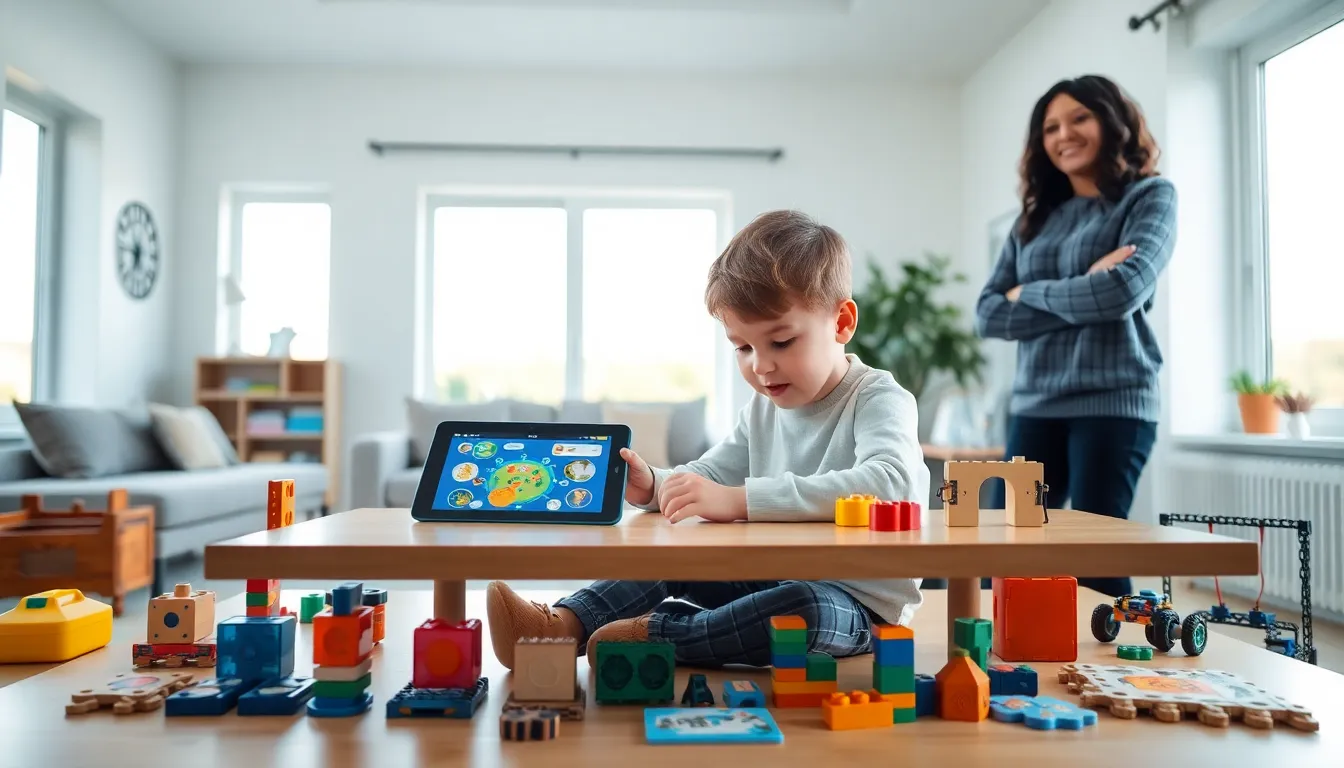
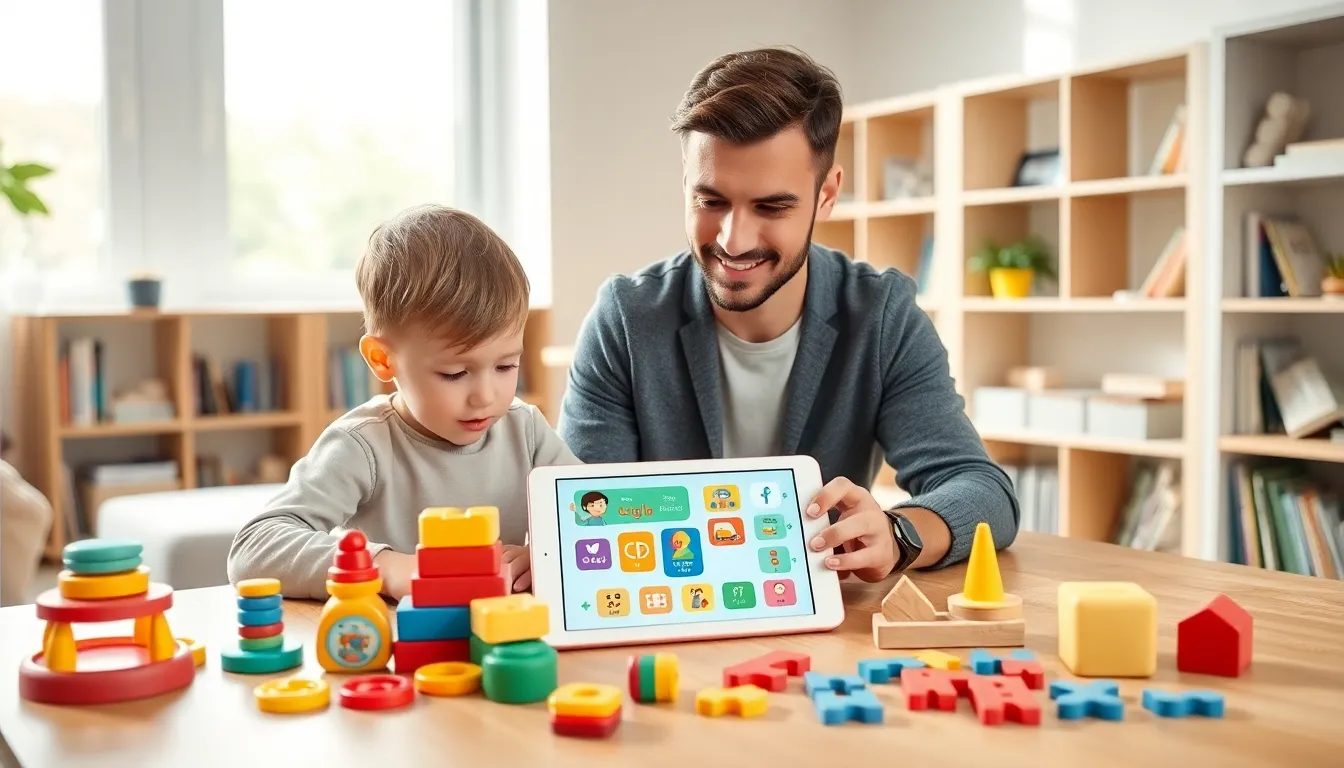
Educational apps and toys work best together. A child might learn about dinosaurs through an app, then play with dinosaur figures to reinforce that knowledge. This combination strengthens learning.
Parents should observe how their child responds to different activities. Some children focus better with educational apps. Others thrive with hands-on educational toys. Most benefit from variety.
The goal isn’t eliminating screens entirely. It’s ensuring children experience diverse learning opportunities through both educational apps and physical play.