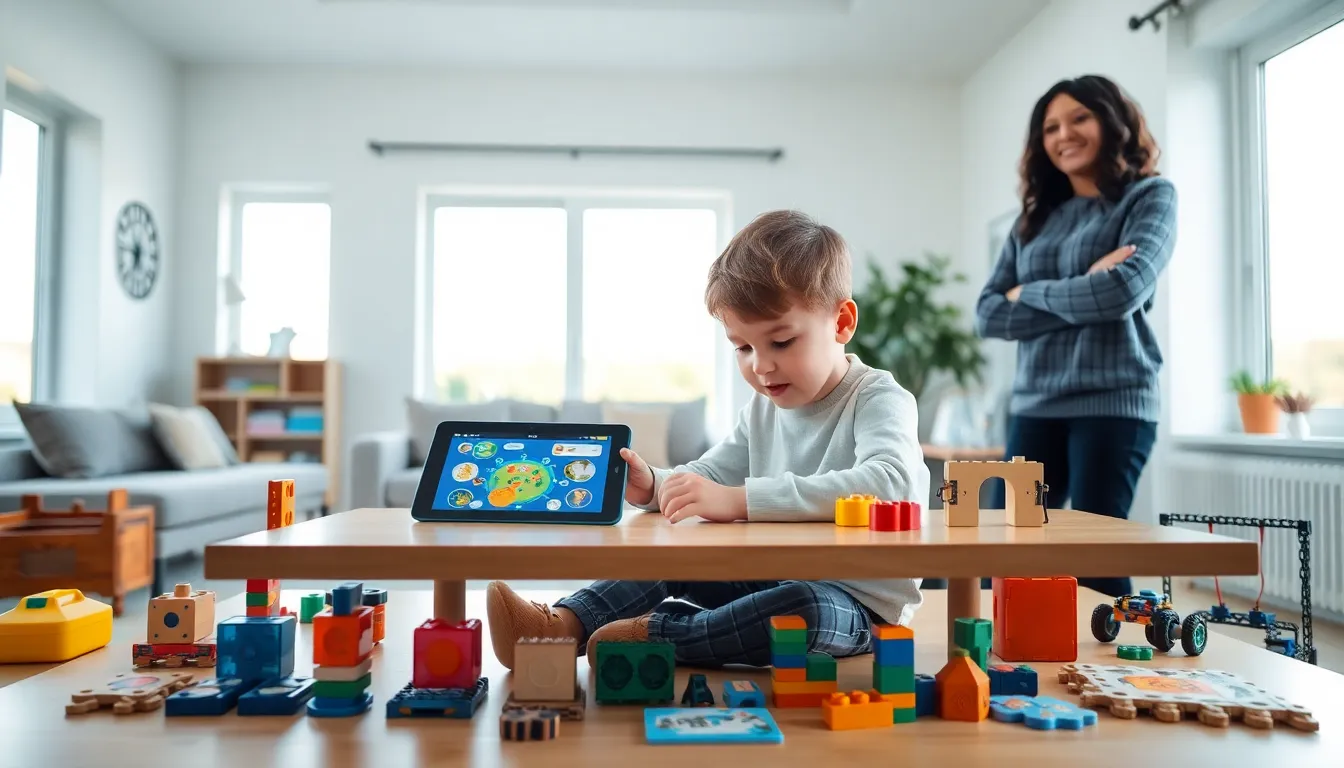
Educational apps and toys strategies shape how children learn, play, and grow. Parents and educators face countless choices when selecting tools that actually work. Some apps promise results but deliver little more than flashy graphics. Some toys claim educational value but sit forgotten in a corner.
The good news? A thoughtful approach changes everything. The right educational apps and toys strategies help children build real skills while staying engaged. This guide breaks down how to choose age-appropriate tools, balance screen time with physical play, and create routines that stick. Whether shopping for a toddler or a ten-year-old, these strategies turn learning into something kids genuinely enjoy.
Table of Contents
ToggleKey Takeaways
- Effective educational apps and toys strategies match tools to children’s developmental stages—what works for a toddler won’t engage an older child.
- Balance screen time with hands-on play by pairing digital apps with physical activities like building blocks or robotics kits.
- Integrate educational tools into daily routines, such as morning math games or after-school learning stations, to build consistency.
- Follow your child’s interests to boost engagement—a dinosaur lover learns more from paleontology content than generic material.
- Participate actively in your child’s learning by playing alongside them, as adult involvement significantly improves educational outcomes.
- Refresh your educational toolkit every few months to match your child’s growing skills and maintain their interest.
How to Choose Age-Appropriate Educational Tools
Age-appropriate selection forms the foundation of effective educational apps and toys strategies. A math app designed for eight-year-olds will frustrate a four-year-old. A counting toy meant for toddlers will bore a second-grader. Matching tools to developmental stages matters.
Toddlers (Ages 1-3)
Toddlers learn through sensory exploration. They need toys they can touch, stack, and manipulate. Shape sorters, building blocks, and simple puzzles work well. Apps for this age group should feature large buttons, simple interactions, and minimal text. Look for cause-and-effect activities where tapping the screen produces clear results.
Preschoolers (Ages 3-5)
Preschoolers start recognizing letters, numbers, and patterns. Educational apps and toys strategies for this group should introduce early literacy and numeracy concepts. Alphabet apps with phonics components help. Building sets with more pieces challenge growing fine motor skills. Interactive storybook apps encourage pre-reading behaviors.
Early Elementary (Ages 6-8)
Children at this stage read independently and solve basic math problems. They benefit from apps that adapt to their skill level. Coding toys introduce logical thinking. Science kits spark curiosity about how things work. Educational apps and toys strategies should now include tools that require sustained attention and problem-solving.
Older Children (Ages 9-12)
Older kids handle complex challenges. Strategy games, advanced coding platforms, and creative design apps suit them well. They can use educational tools with less supervision. Look for options that encourage independent exploration and deeper learning.
Balancing Screen Time With Hands-On Play
Screen time debates make parents anxious. But educational apps and toys strategies don’t require choosing one over the other. Balance creates the best outcomes.
The American Academy of Pediatrics recommends limits on recreational screen time but recognizes that educational content differs from passive entertainment. Quality matters more than strict minute-counting. An hour with a well-designed learning app beats an hour watching random videos.
That said, hands-on play offers benefits screens can’t replicate. Physical toys develop fine motor skills. Building with blocks teaches spatial reasoning through real-world manipulation. Art supplies encourage creativity without algorithmic suggestions.
Practical strategies for balance include:
- Pair digital and physical activities. After using a coding app, children can build something with programmable robotics kits.
- Set screen-free times. Meals and the hour before bed work well for hands-on play.
- Rotate toys and apps. Fresh options maintain interest without increasing overall screen time.
- Use apps as supplements, not replacements. A math app reinforces what children learn through manipulatives like counting bears or fraction tiles.
Effective educational apps and toys strategies recognize that both digital and physical tools serve different purposes. Neither replaces the other entirely.
Integrating Educational Apps and Toys Into Daily Routines
Consistency beats intensity. Children learn better through short, regular sessions than occasional marathon study periods. Educational apps and toys strategies work best when woven into existing routines.
Morning Routines
Breakfast time offers opportunities for quick educational activities. A five-minute math game while cereal settles works for many families. Educational placemats with maps or vocabulary words provide passive learning during meals.
After School
The post-school transition benefits from structured play. Children need to decompress, but unstructured screen time often extends indefinitely. Instead, set up a learning station with rotating educational toys. Apps can serve as a reward after assignments completion.
Weekend Integration
Weekends allow for longer, project-based learning. Science experiment kits, complex building projects, and educational games requiring multiple sessions fit here. Educational apps and toys strategies for weekends should prioritize depth over breadth.
Travel and Waiting Times
Downloaded educational apps shine during car rides, doctor’s office waits, and flights. Portable toys like magnetic building sets or travel-sized puzzles work when screens aren’t practical.
The key is making educational play predictable. Children thrive when they know what to expect. A consistent routine removes the negotiation and resistance that often accompanies learning activities.
Maximizing Engagement and Learning Outcomes
Owning educational tools doesn’t guarantee learning. Engagement drives results. Smart educational apps and toys strategies focus on how children interact with tools, not just which tools they own.
Follow the Child’s Interests
A dinosaur-obsessed kid will engage more with paleontology apps than generic science content. A child who loves music learns math concepts faster through rhythm-based games. Interest fuels motivation.
Participate Actively
Parent involvement amplifies learning. Playing alongside children, asking questions about their app activities, and building with them creates shared experiences. Research consistently shows that adult engagement boosts educational outcomes from both apps and toys.
Track Progress Without Pressure
Many educational apps include progress tracking. Use these features to identify strengths and areas needing attention. But avoid turning every session into an assessment. Pressure kills curiosity.
Embrace Failure as Learning
Good educational apps and toys strategies allow for mistakes. Toys that only work one way limit experimentation. Apps that punish wrong answers discourage risk-taking. Look for tools that treat errors as part of the process.
Refresh the Selection Regularly
Children outgrow tools quickly. An app that challenged them six months ago might bore them now. Review and update the educational toolkit every few months. Donate outgrown toys and delete unused apps to keep the selection fresh and appropriate.